> ## Documentation Index
> Fetch the complete documentation index at: https://watermelon.ai/docs/llms.txt
> Use this file to discover all available pages before exploring further.
# API keys
> Learn how API keys work on Watermelon
API keys on Watermelon allow you to access your account programmatically. This is useful for integrating Watermelon into your application or with other tools and services.
## **Creating an API key**
You can create an API key by following these steps:
Go to **Settings** > [**API keys**](https://app.watermelon.ai/settings/api_key).
Click **Create API key** and give your key a name. Select the correct permissions — you can rename the key later if needed.
You can’t change the permissions after the key is created.
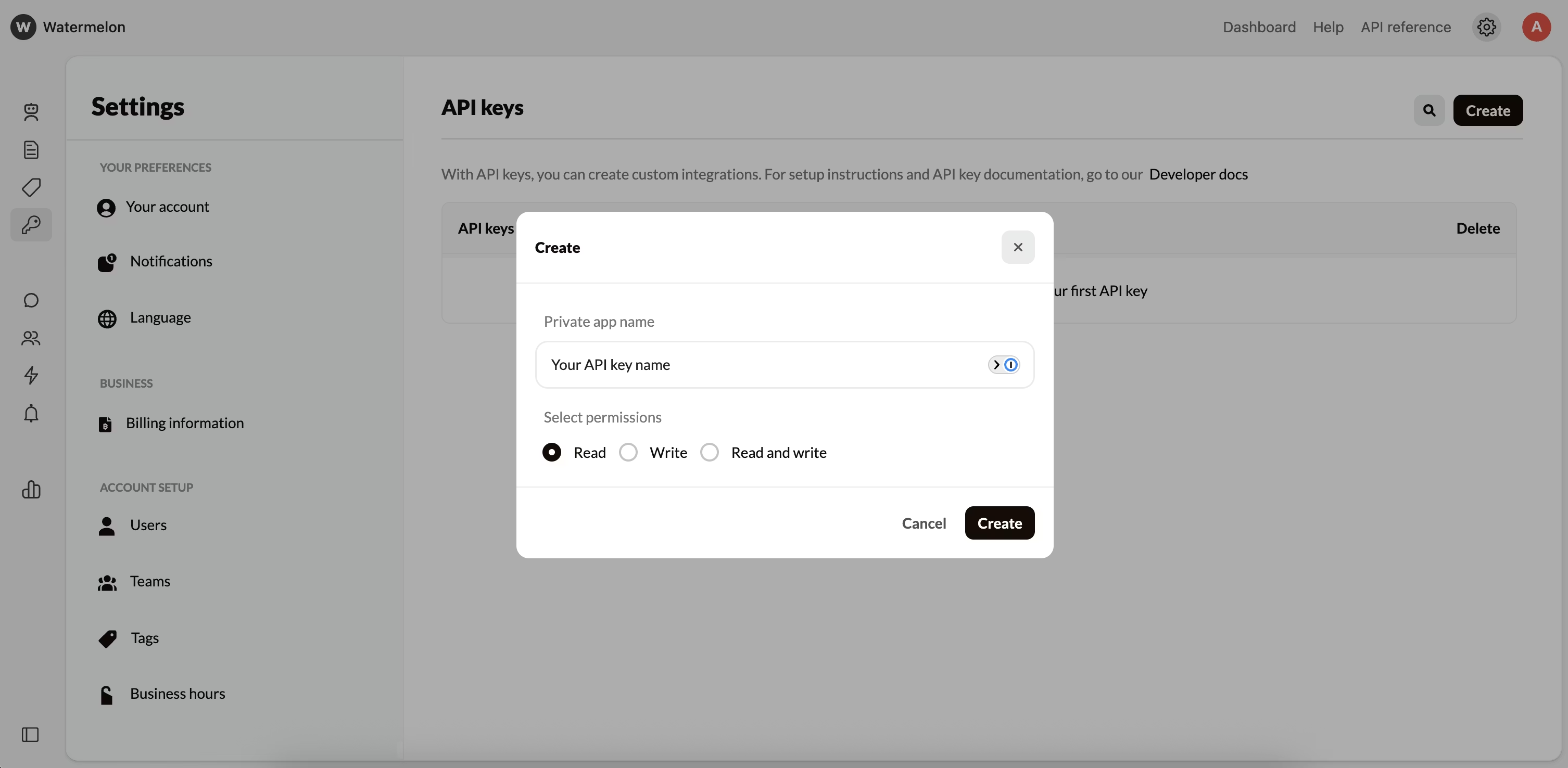 You can always view your **API key** and **secret** in your dashboard. They remain accessible at any time for reference or integration setup.
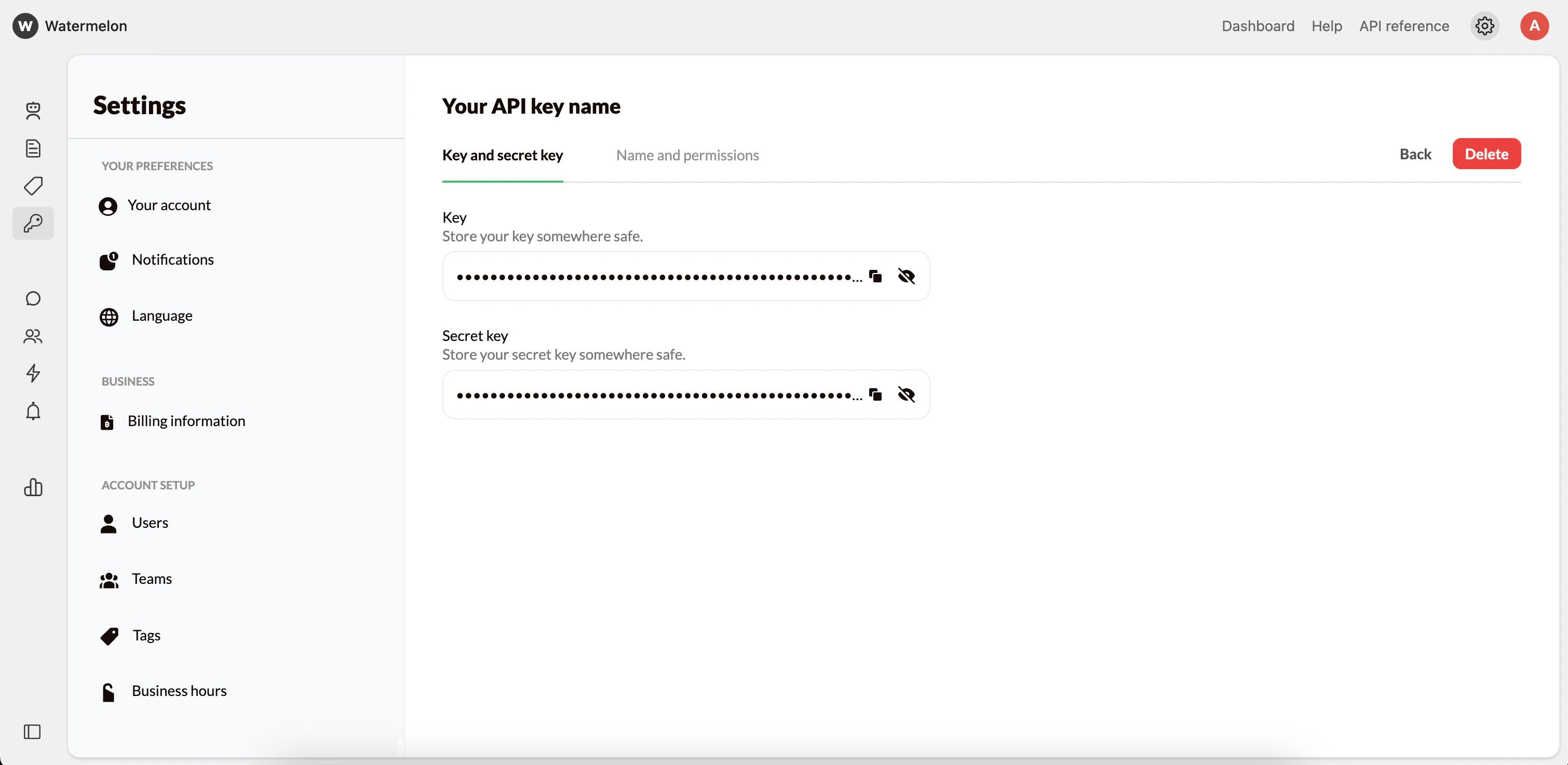 API keys are linked to your **organization**, not to individual users. Removing a user won’t affect any existing API keys — they will continue to work as long as the organization remains active. Keep this in mind when managing users and access.