> ## Documentation Index
> Fetch the complete documentation index at: https://watermelon.ai/docs/llms.txt
> Use this file to discover all available pages before exploring further.
# Manage tags
> Keep your conversations organised and easy to analyse by setting up and maintaining tags.
## Tags
At **Tags** in Watermelon you create, edit, and organise tags for your conversations. You can think of tags as digital sticky notes you attach to conversations. They help you quickly see what a conversation is about. Use them to group conversations by product or topic, automate tagging based on content, and analyse tags in Analytics to spot trends and opportunities.
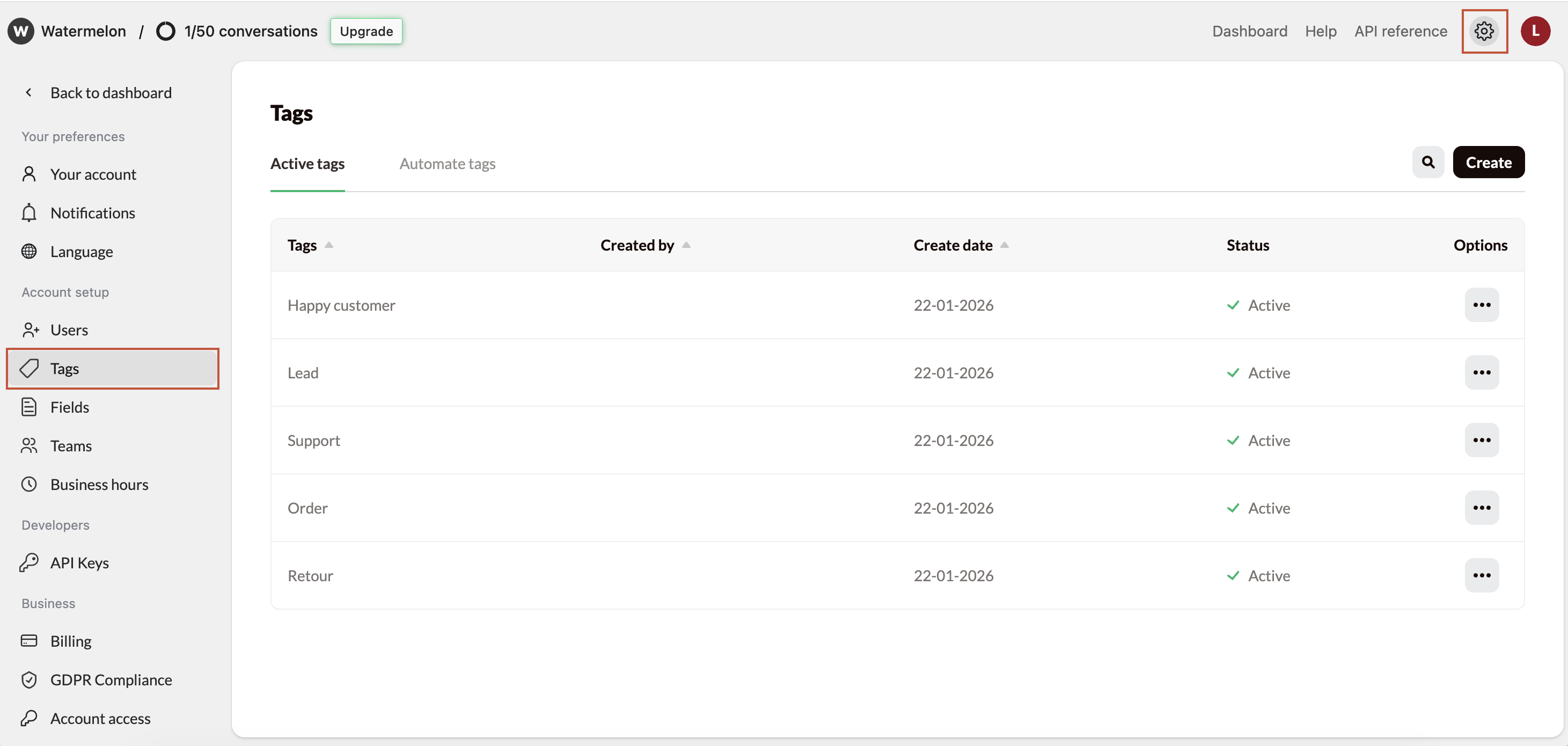
First, navigate to **Settings** and open **Tags** .
 ## Manage Tags
### Create a new tag
## Manage Tags
### Create a new tag
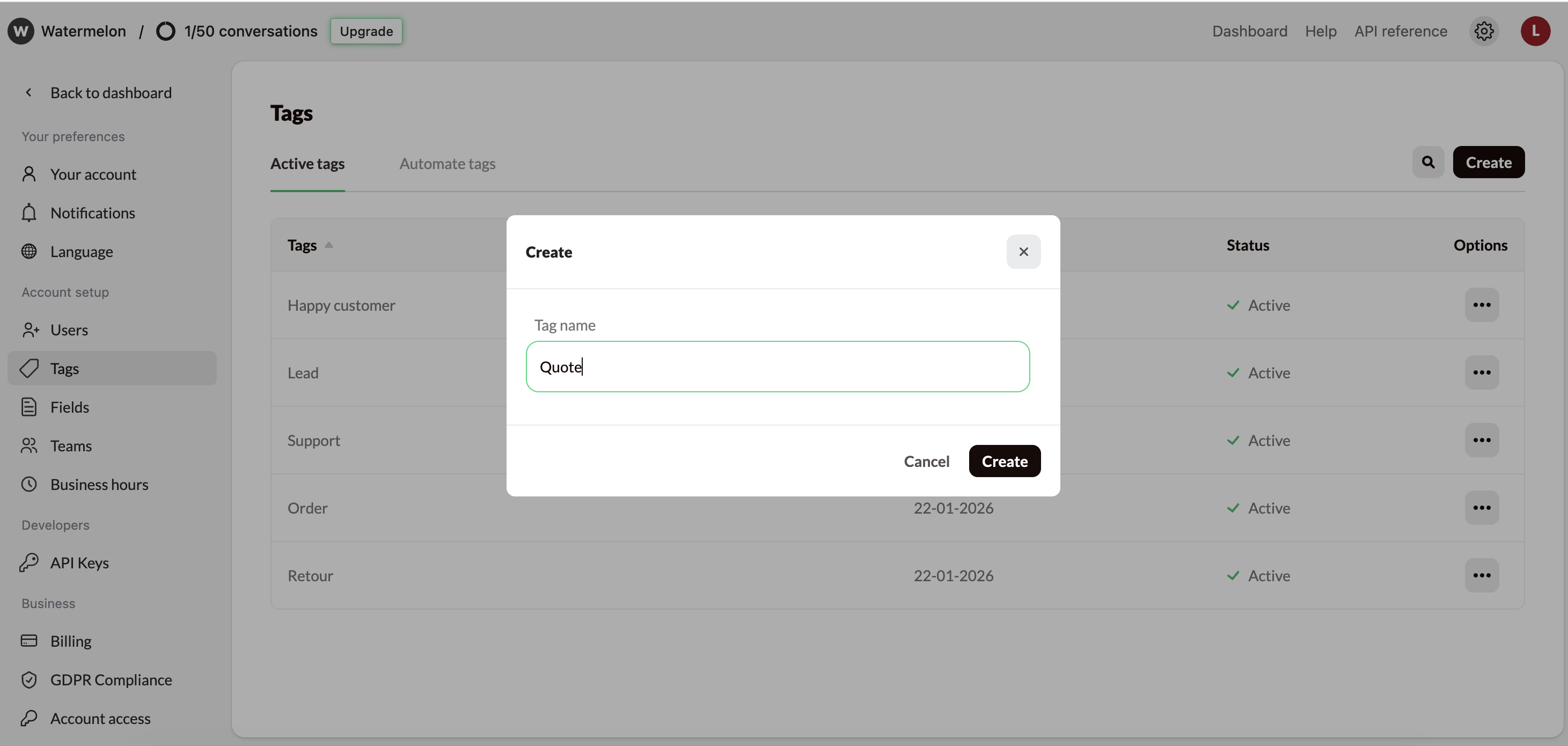
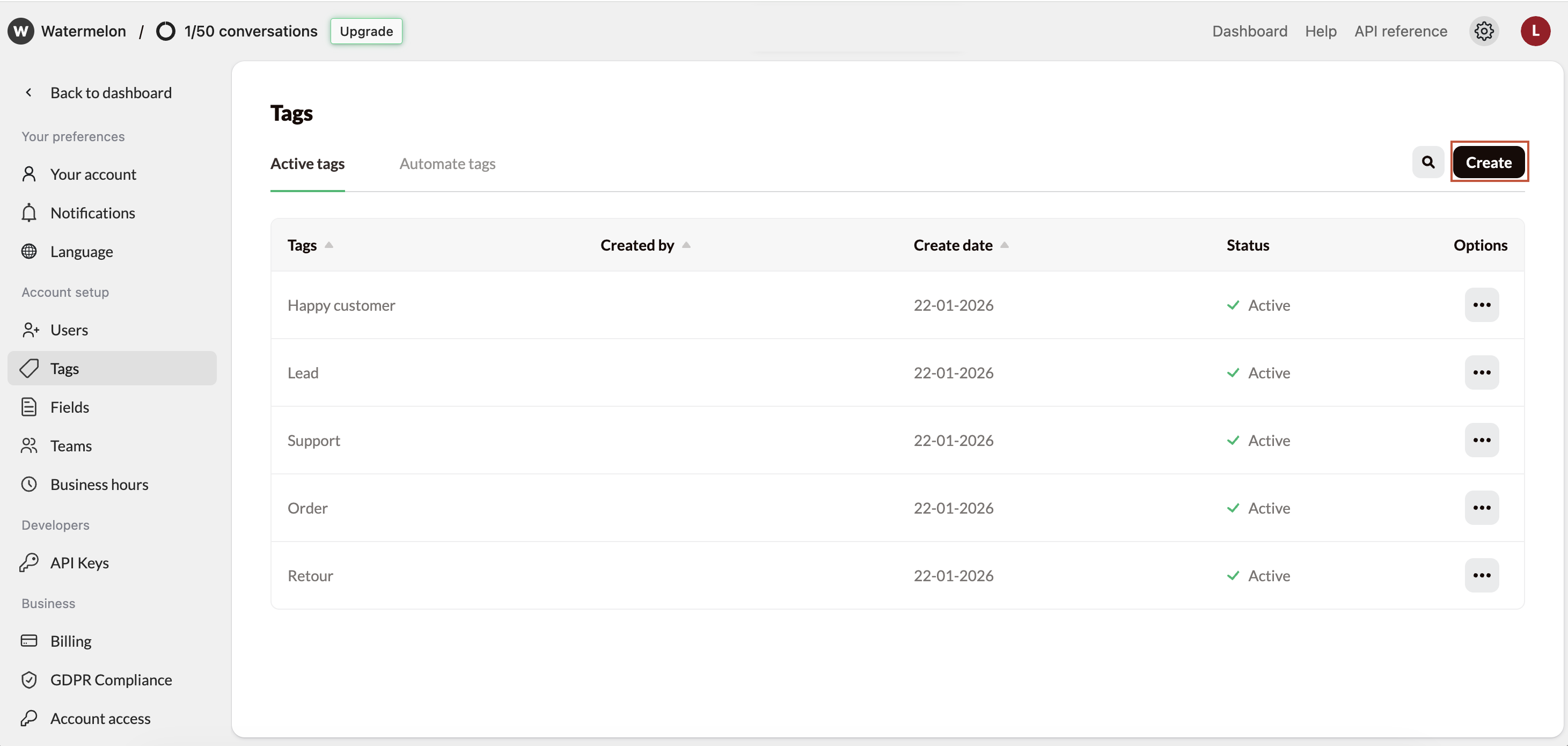 Enter a **short, descriptive name**, for example shipping, refund request, new lead or quote. Then, **select Create again**.
 Your new tag is now available to use in conversations and, if relevant, in automation rules.
### Edit a tag
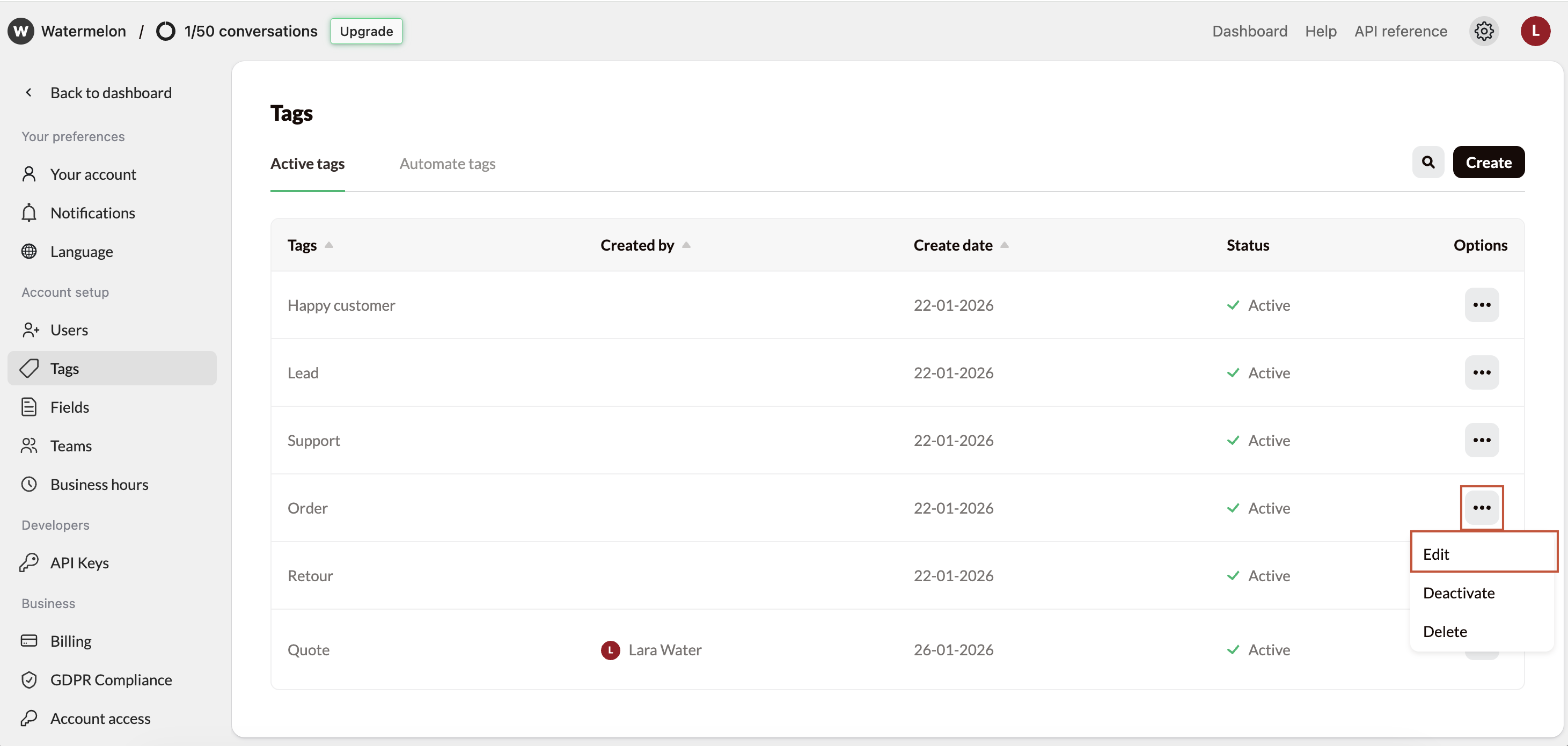
Update a tag’s name by clicking the three dots under **Options** and selecting **Edit**.
Your new tag is now available to use in conversations and, if relevant, in automation rules.
### Edit a tag
Update a tag’s name by clicking the three dots under **Options** and selecting **Edit**.
 ### Deactivate a tag
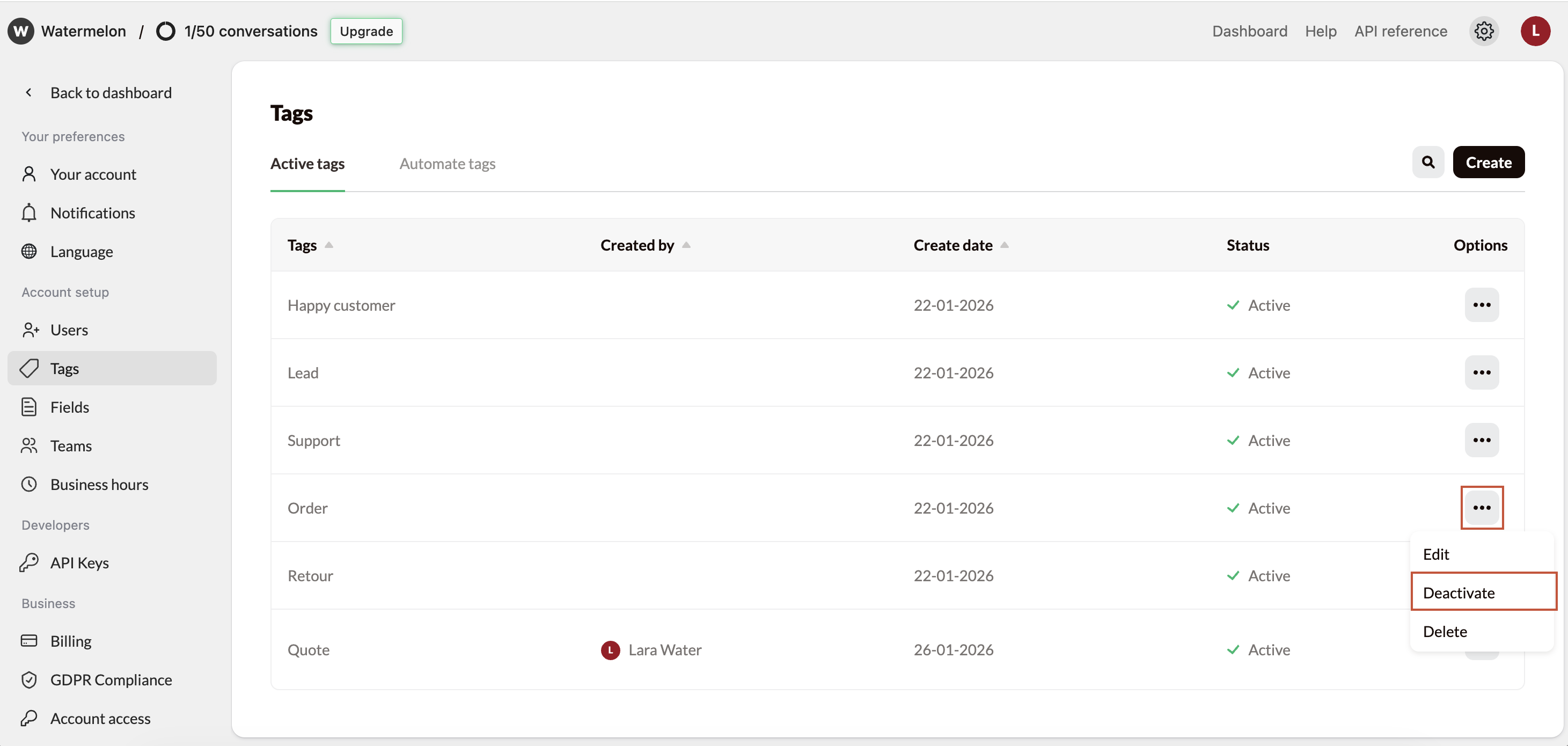
Deactivate a tag by clicking the three dots under **Options** and selecting **Deactivate**. Useful if you might want to reactive this tag later.
### Deactivate a tag
Deactivate a tag by clicking the three dots under **Options** and selecting **Deactivate**. Useful if you might want to reactive this tag later.
 ### Delete a tag
Remove tags your team no longer uses to keep things tidy. Delete a tag by clicking the three dots under **Options** and selecting **Delete**.
### Delete a tag
Remove tags your team no longer uses to keep things tidy. Delete a tag by clicking the three dots under **Options** and selecting **Delete**.
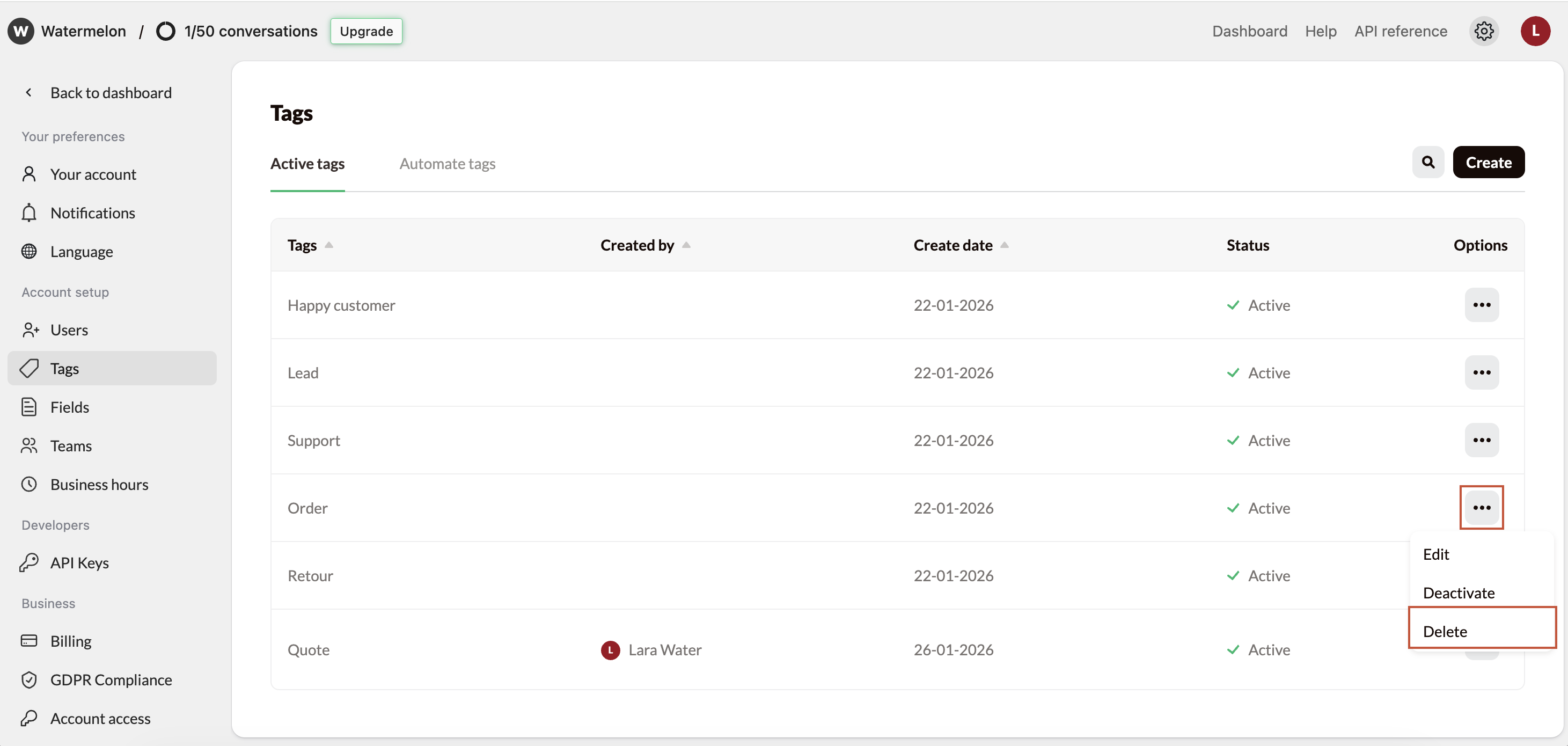 The tag will be removed from the list and can no longer be used in new conversations or automations.
### Search a tag
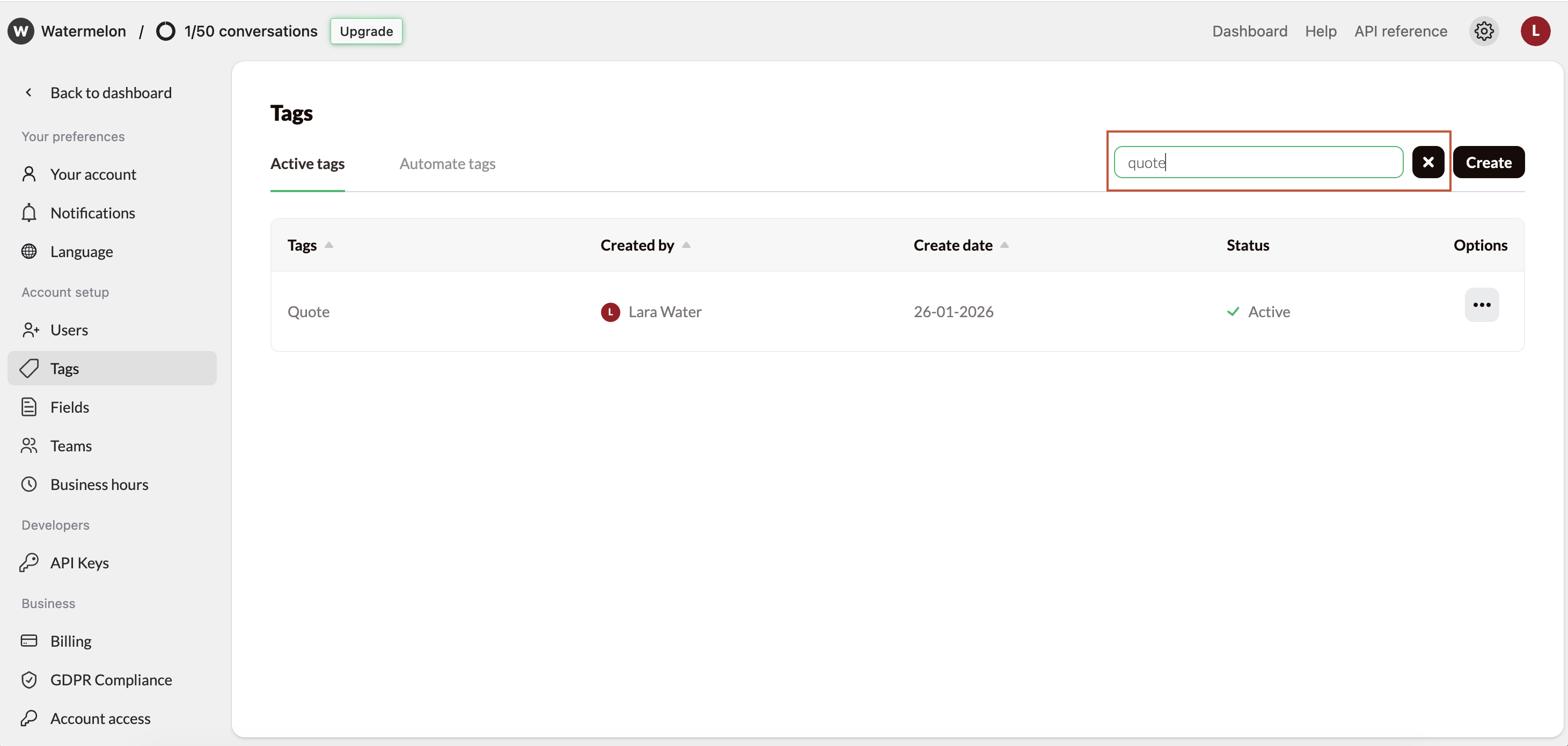
Use the search option to quickly find the right tag.
The tag will be removed from the list and can no longer be used in new conversations or automations.
### Search a tag
Use the search option to quickly find the right tag.