> ## Documentation Index
> Fetch the complete documentation index at: https://watermelon.ai/docs/llms.txt
> Use this file to discover all available pages before exploring further.
# Localize your widget
> This file describes how to set the widget’s date format and language, including the option to fully customise all text fields.
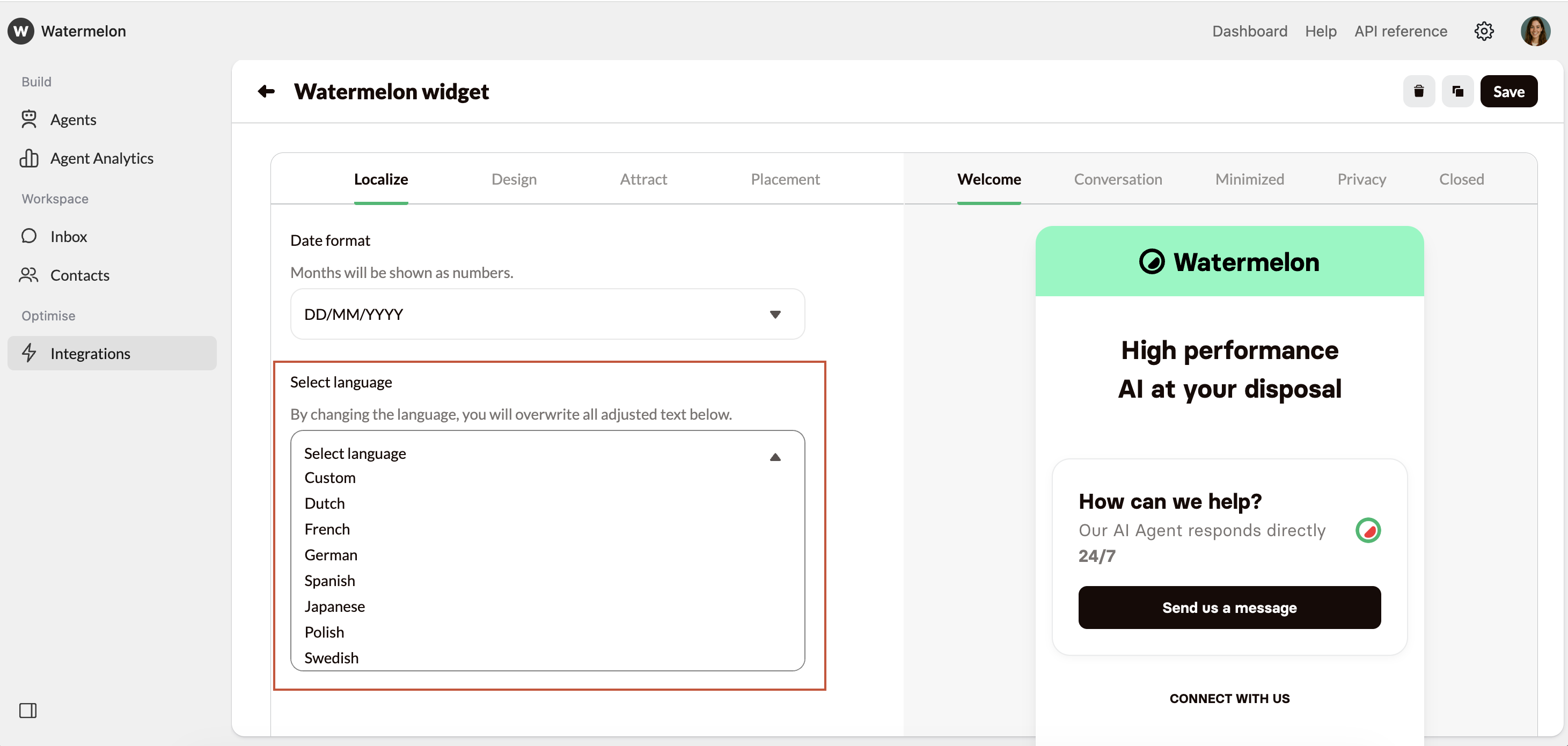
### Select language
You can choose a preset language here and all in the Widget will automatically change to that language.
 Choose **Custom** to be able to change all textfields, this way you can customize your Agent even further to match your brand's tone of voice.
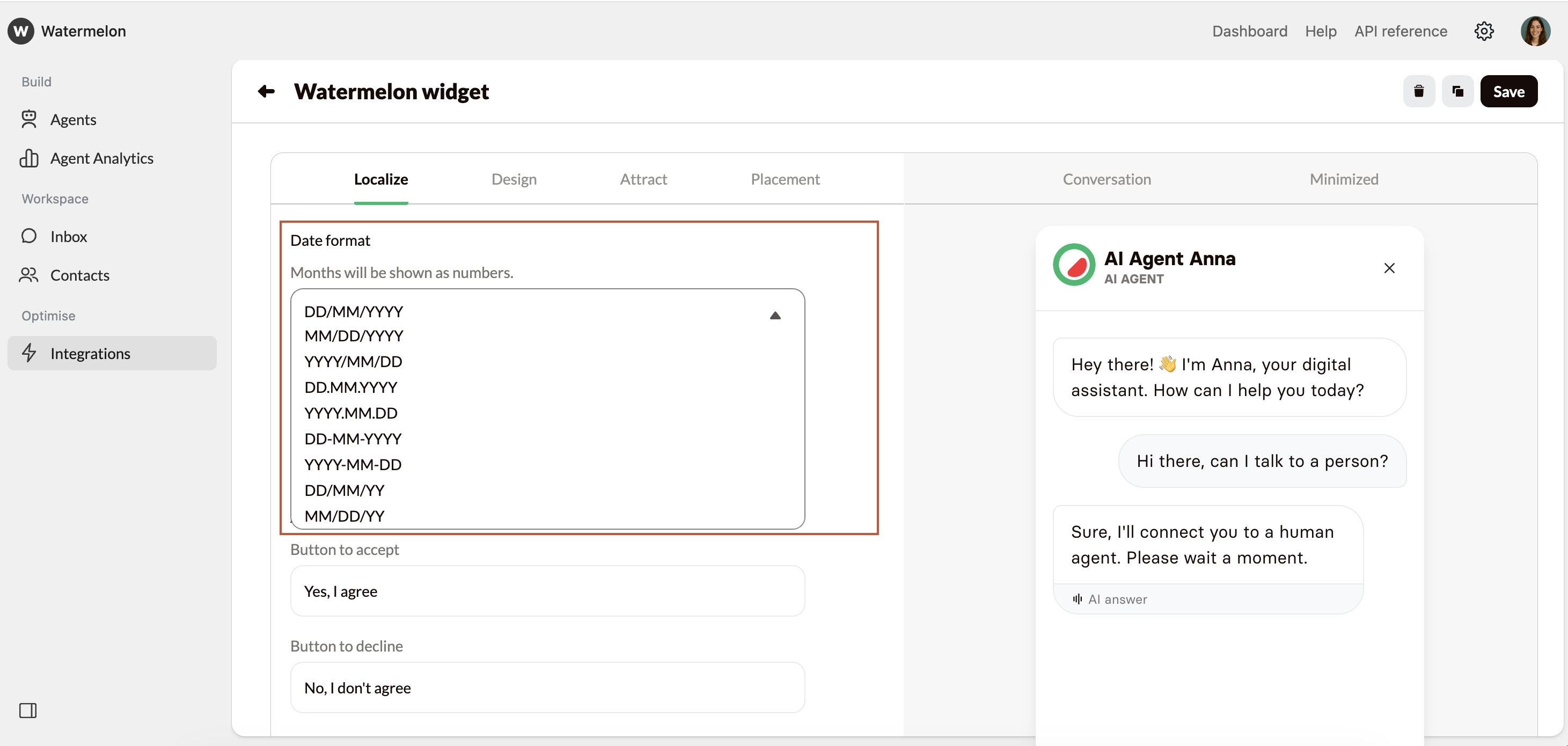
### Date format
Choose how the date should appear in the Chat Widget.
Choose **Custom** to be able to change all textfields, this way you can customize your Agent even further to match your brand's tone of voice.
### Date format
Choose how the date should appear in the Chat Widget.
 Don't forget to save your changes by clicking **Save** on the top of your screen