Creating an API key
You can create an API key by following these steps:1
Go to API keys in lefthand menu
Go to Settings > API keys.
2
Create an API key
Click Create API key and give your key a name. Select the correct permissions — you can rename the key later if needed.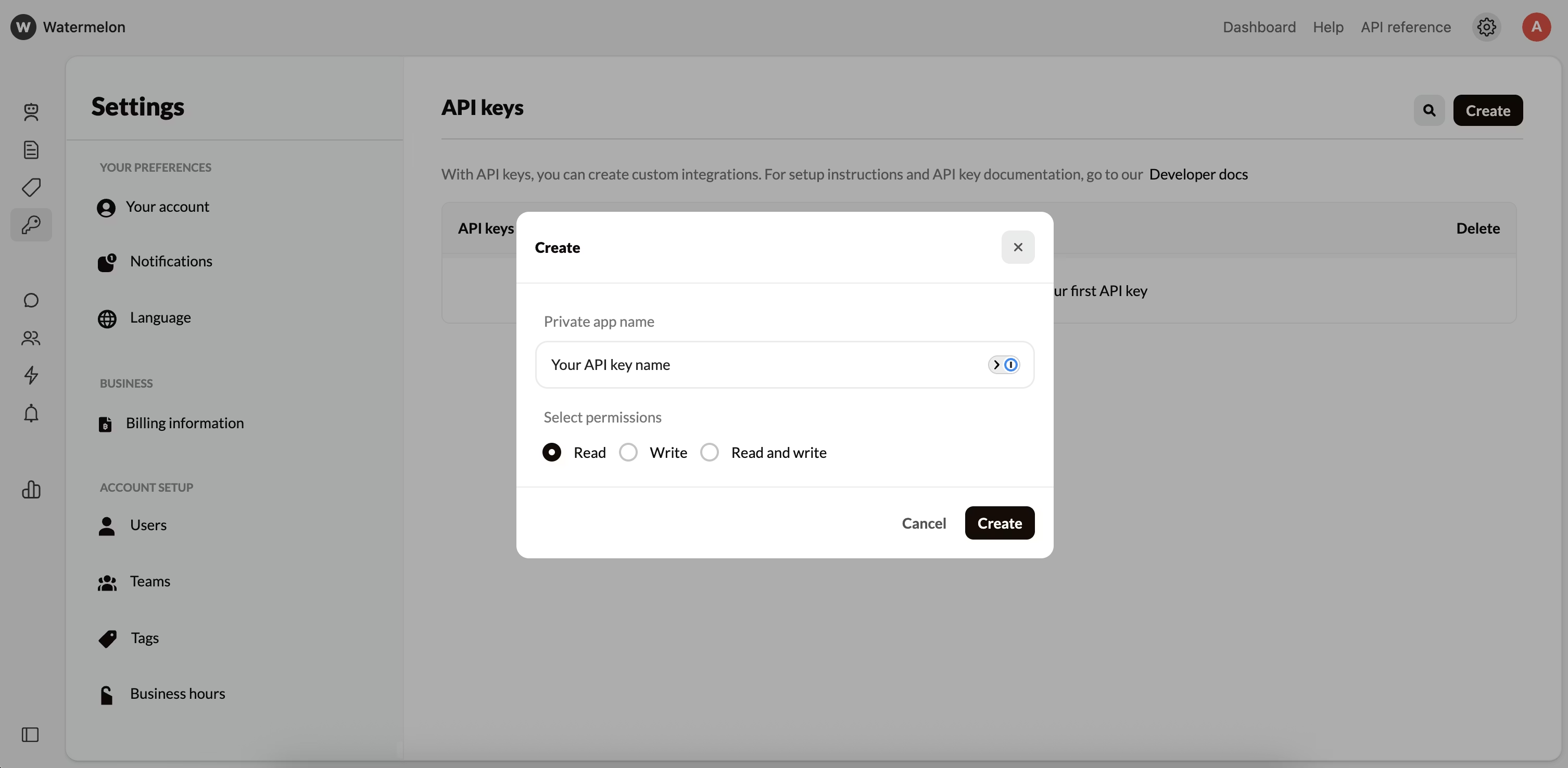
3
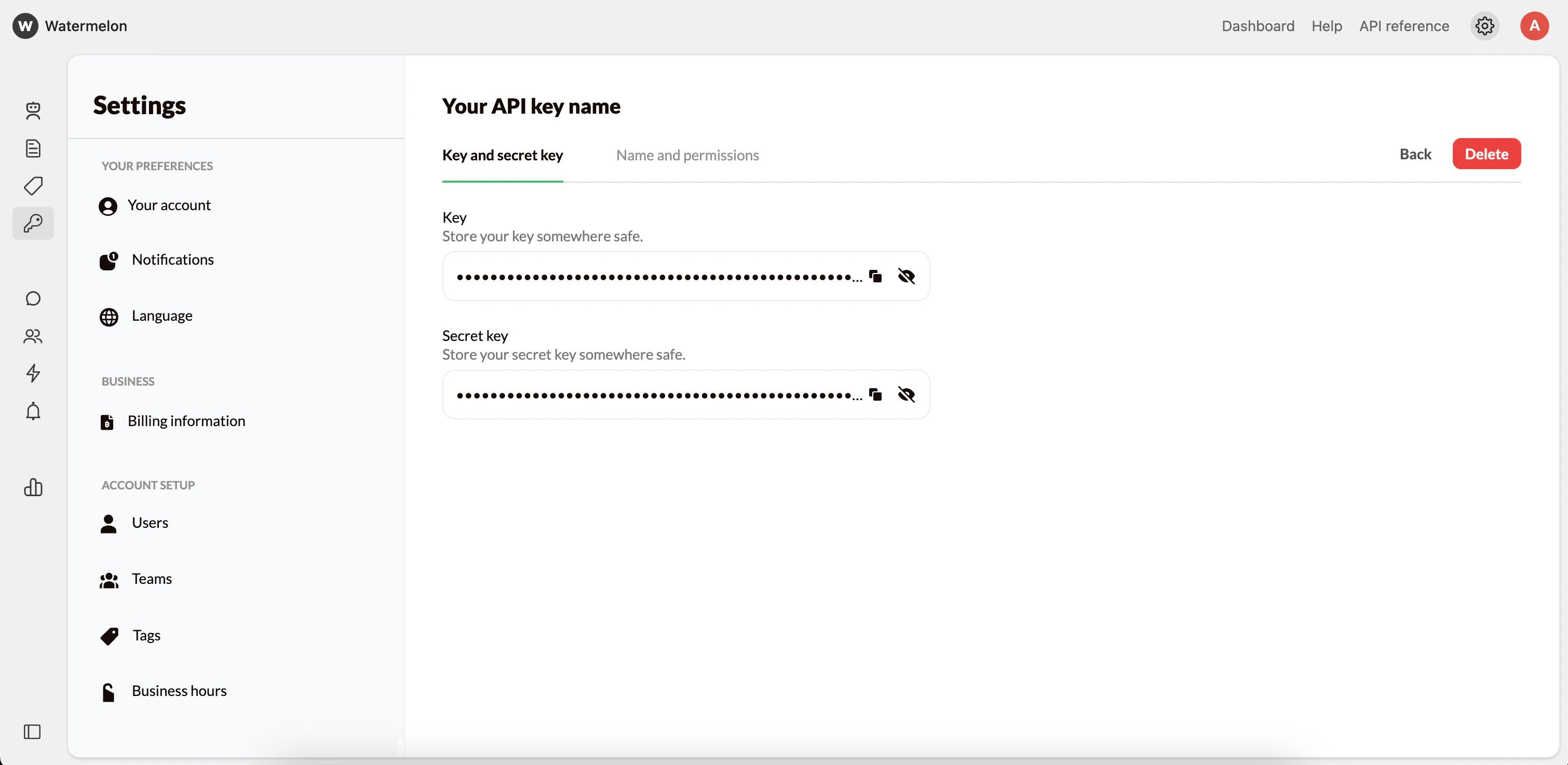
Accessing your API Key
You can always view your API key and secret in your dashboard. They remain accessible at any time for reference or integration setup.