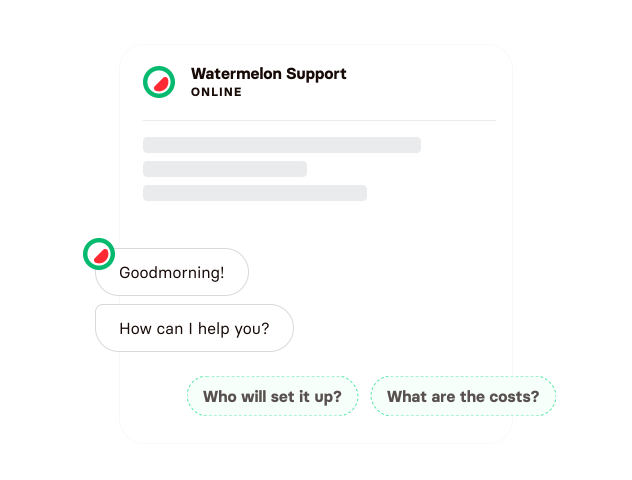
Chat with our AI Agent
Ask Chad a question and experience Watermelon AI directly on this website.
Try the chat agent
Trusted by leading brands across industries




95% of conversations handled autonomously.
See how Leisurelands answers visitor questions with Watermelon, even outside office hours.
Unlimited possibilities.
Make website chat work your way, from the first welcome to personalized conversations and actions.
Make it yours
Colors & branding
Match your widget’s colors to your brand and choose whether to show Watermelon branding.
Fonts and message bubbles
Choose the font, text sizes and message bubble styling to fit your website.
Custom launcher
Use your own launcher icon or button, and choose its position and spacing on your website.
Floating Widget
Give visitors instant access to AI-powered support from anywhere on your website.
Embedded view
Integrate your AI Agent directly into your website for a seamless, built-in chat experience.
Hide view toggle
Hide your chat widget without making any changes to your website.
Start the conversation
A personal welcome
Customize your welcome screen, greetings and avatars, and choose which team members appear.
Welcome messages
Make a great first impression with personalized greetings that encourage visitors to engage.
Conversation starters
Help visitors find answers faster with suggested questions they can select instantly.
Automatic opening
Open chat automatically once per visitor session, with a separate setting for mobile.
An eye-catching welcome
Show a short message above the launcher to invite visitors into a conversation.
Multilingual conversations
Support your visitors in multiple languages.
Keep conversations flowing
File attachments
Let visitors share files and images to explain their questions more easily.
Link previews
Unfold URLs into previews within the conversation.
Conversation history
Help visitors pick up conversations where they left off.
A clear waiting queue
Use a queue system to manage visitors waiting for support.
Mobile optimized
Offer a smooth chat experience on desktop, tablet, and mobile.
Understand your visitors
Know your visitors
Recognize logged-in visitors and connect conversations to their identity.
Understand their journey
See which pages visitors browse to better understand what they need.
Visitor context
Capture browser information automatically to give your team more context.
Custom forms
Collect the details you need with a form before the chat or during the conversation.
Privacy controls
Configure privacy settings to support your compliance requirements.
Turn conversations into actions
Product carousels
Display products retrieved through actions from a connected product feed. Customize prices, product links and button text.
Order status cards
Present order information in a clear card within the conversation.
Checkout cards
Show a checkout card directly in the conversation.
Address changes
Use address-change cards to help customers update their details.
Add AI-powered chat to your website in just a few simple steps. No complicated setup or technical expertise required.
01
Customize your widget
Personalize your widget’s appearance, welcome messages, and conversation settings.
02
Add Watermelon to your website
Install the widget using a simple code snippet.
03
Start conversations
Let your AI Agent welcome visitors and automatically answer their questions.
Frequently asked questions
Your website deserves better conversations.
Automate customer questions, support visitors around the clock, and give your team more time for what matters.
