Publishing via your AI Agent
1
Open Agent Settings
Open your Agent. Navigate to **Activate AI Agent. **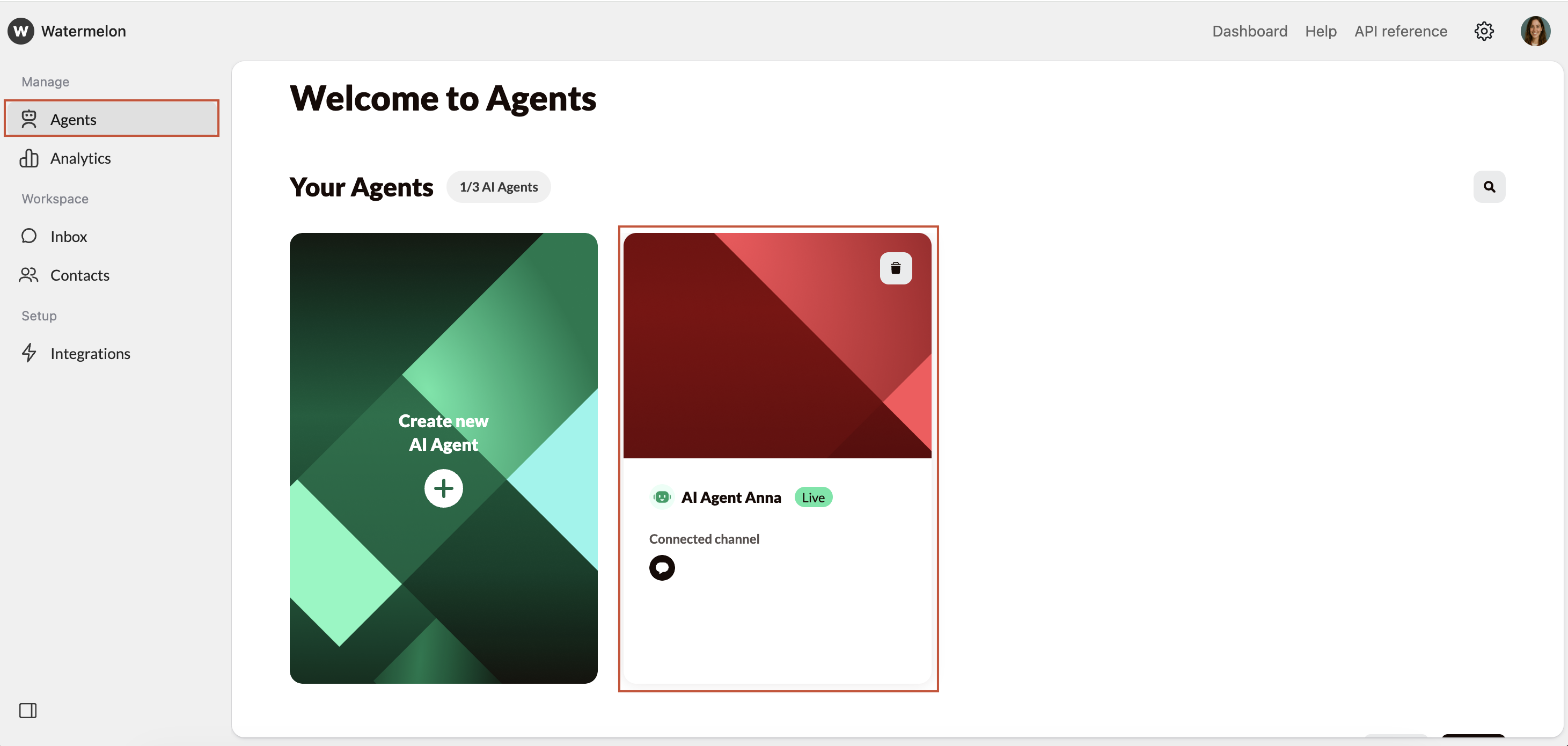
2
Select channel
Select the Instgram channel you want to connect in the Agent profile by clicking on the ”+”.
3
Instagram is connected as a channel
Instagram is now connected as a channel.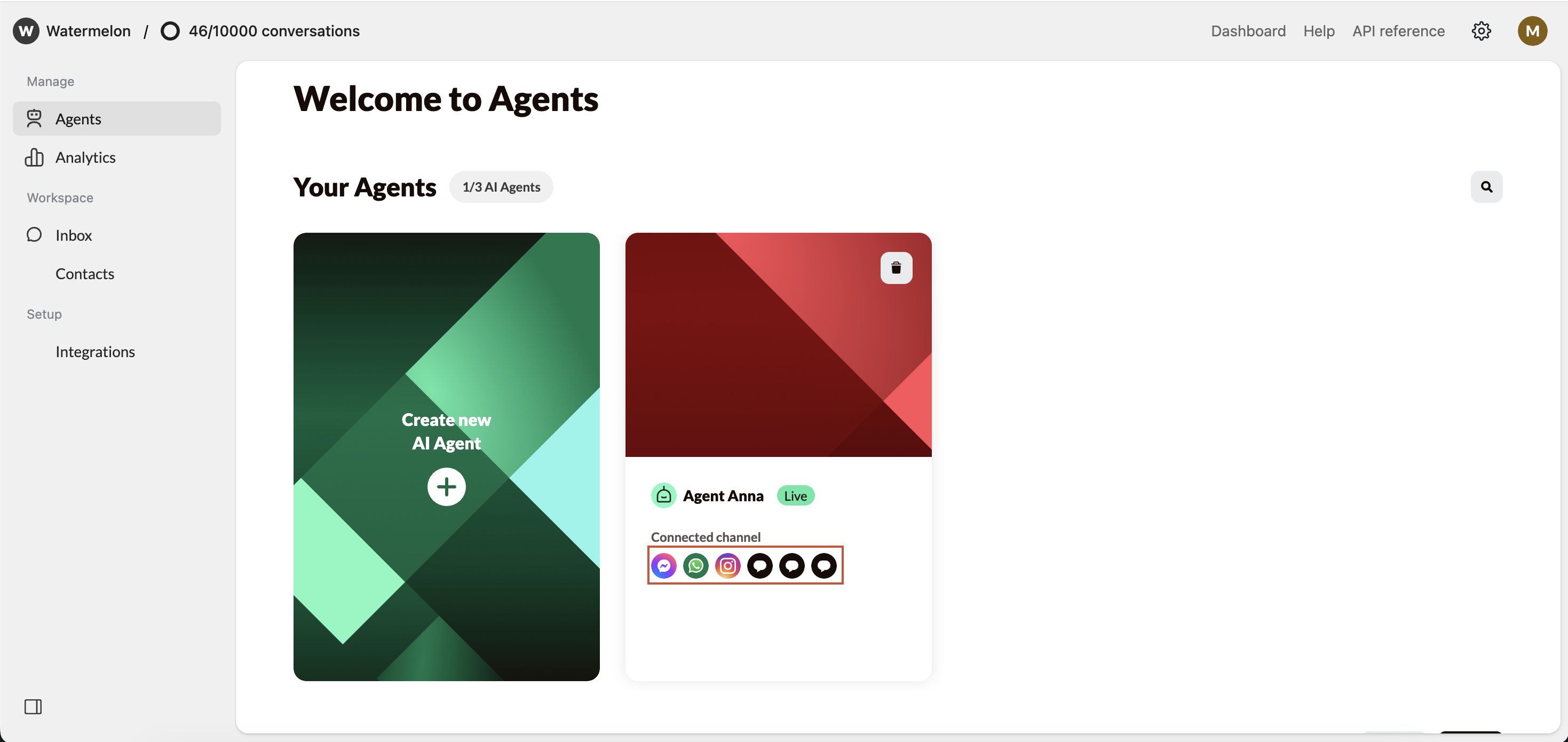
Make sure your Agent is Active so it can answer your incoming messages.
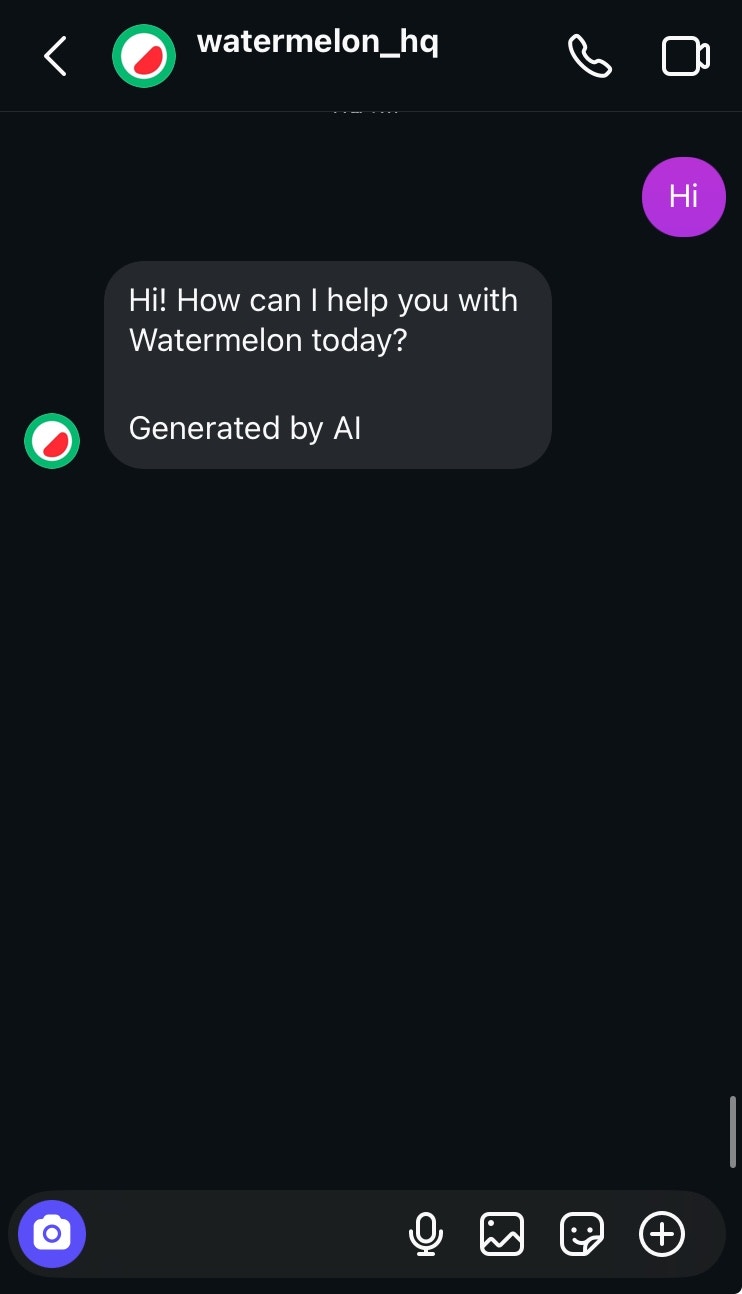
The Agent in Action on Instagram