

Where to find AI Agent Analytics
In your Watermelon workspace, navigate to Analytics on the left-hand menu.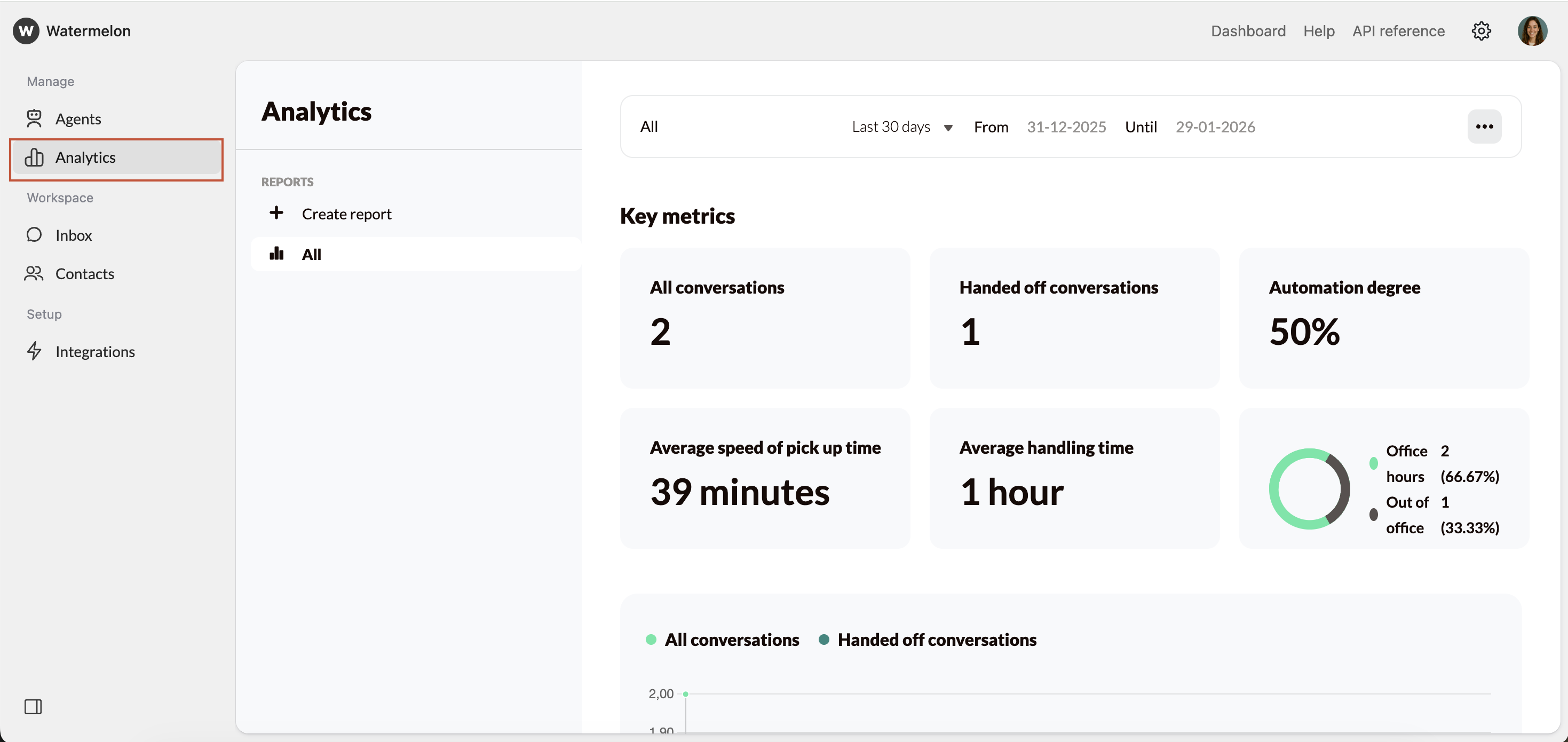
Select date range
First, select the date range you want to analyse. Use the dropdown and select the date range, or manually select the data.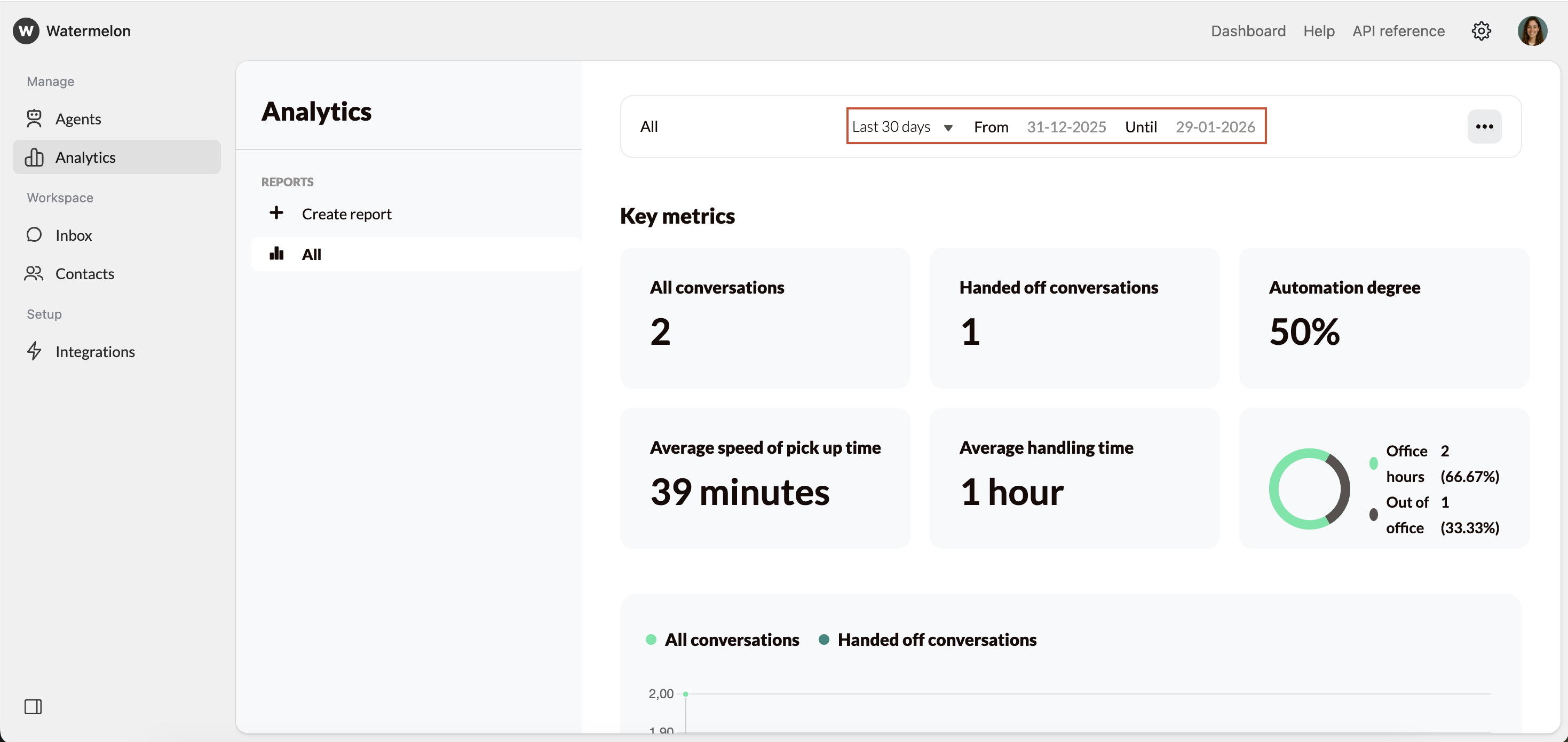
AI Agent Analytics help you understand how your AI Agent is performing and where you can improve. By regularly analysing your data, you can keep optimising conversations, increasing automation, and improving your customers’ experience.