

Publishing via your AI Agent
1
Open Agent Settings
Open your Agent. Navigate to **Activate AI Agent. **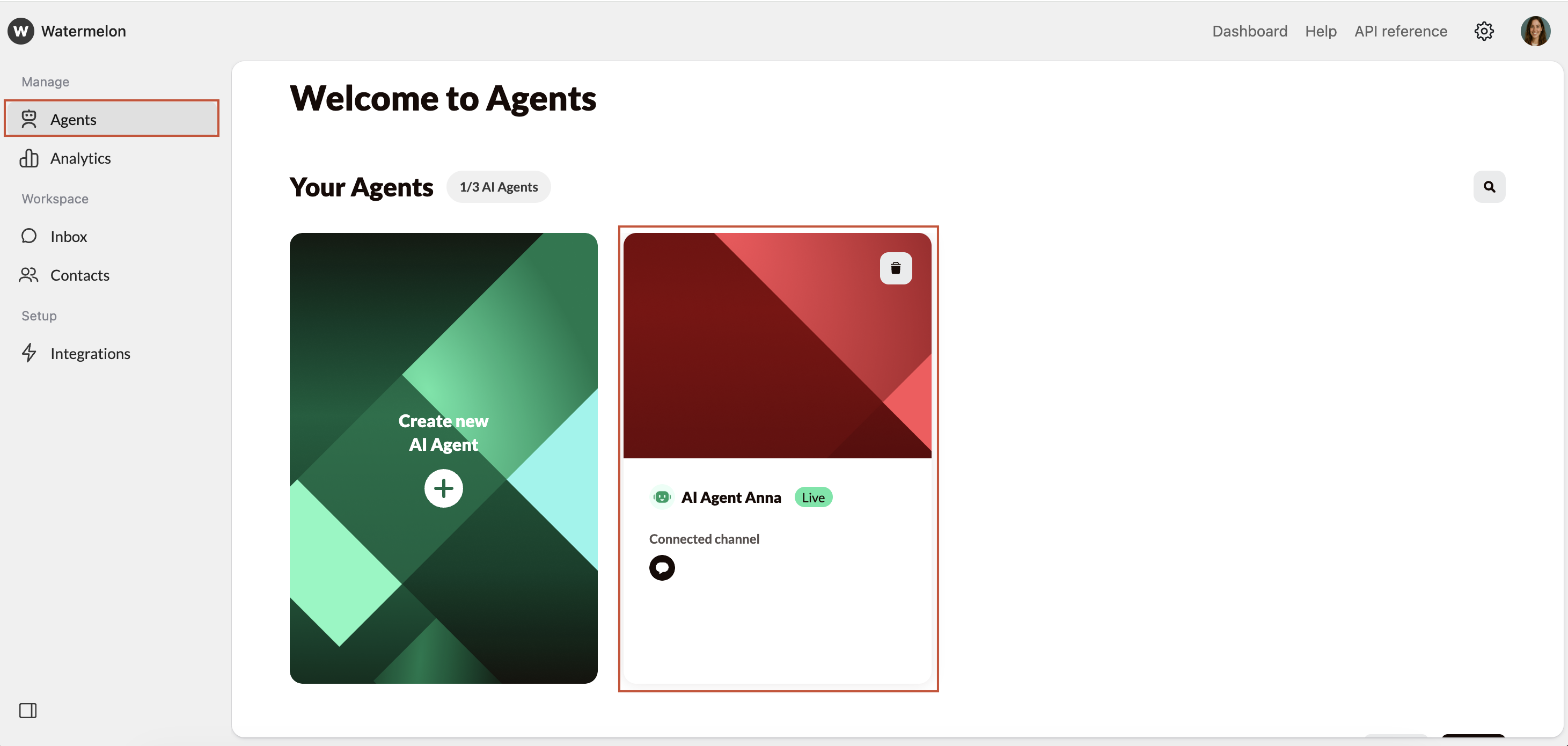
2
Select channel
Select the Facebook channel you want to connect in the Agent profile by clicking on the ”+”.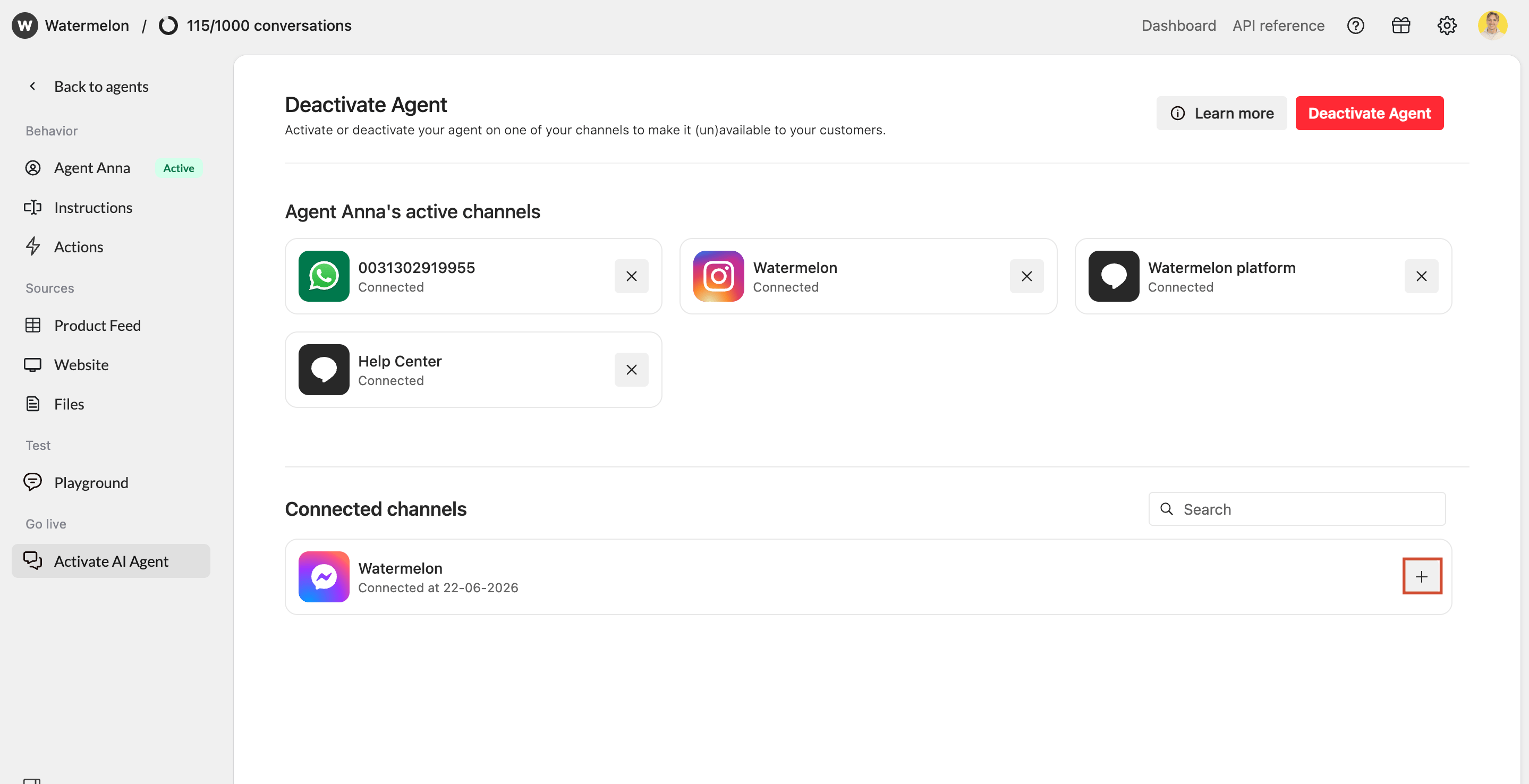
3
Facebook is connected as a channel
Facebook is now connected as a channel.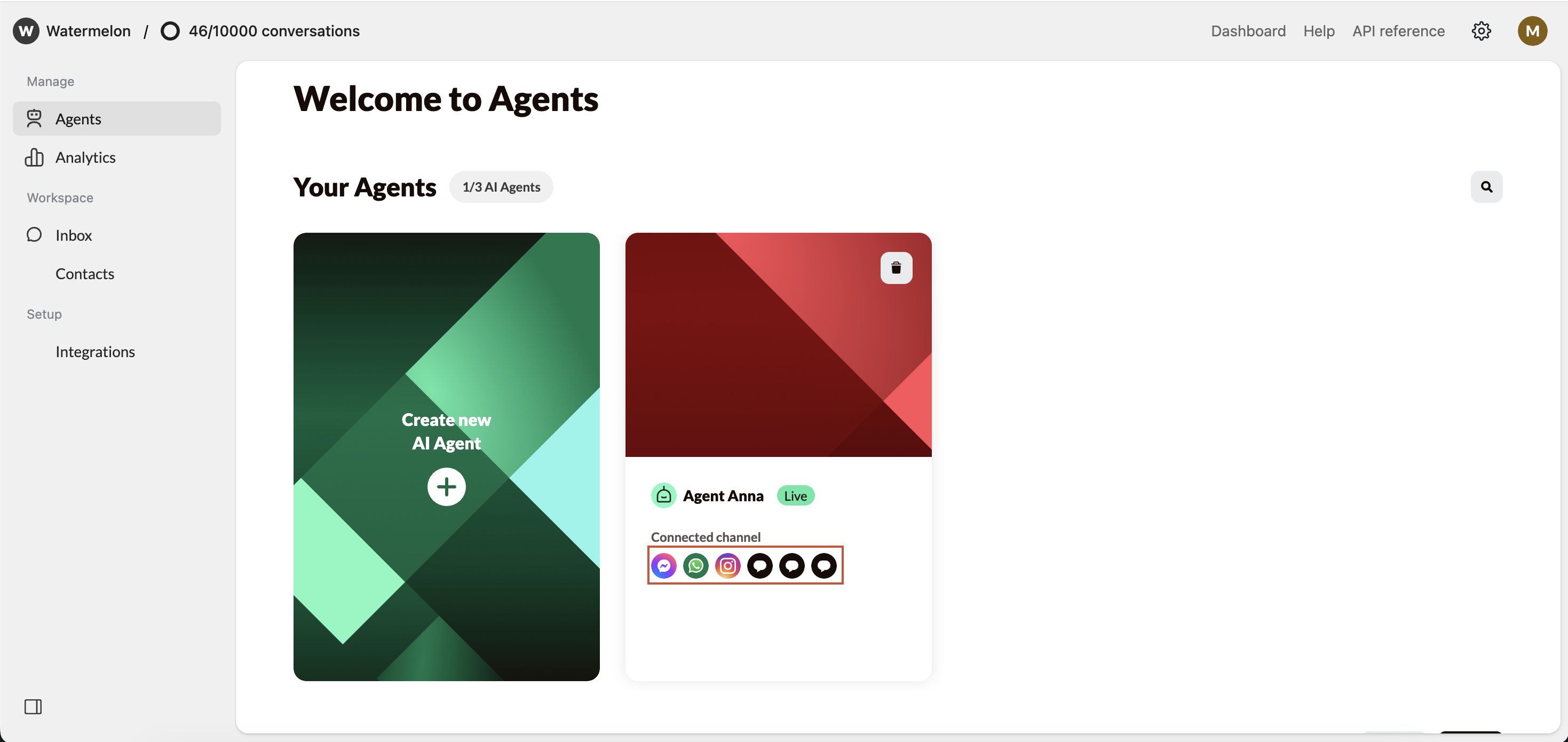
Make sure your Agent is Active so it can answer your incoming messages.
Agent in action on Facebook
