Documentation Index
Fetch the complete documentation index at: https://watermelon.ai/docs/llms.txt
Use this file to discover all available pages before exploring further.
What is a field?
A field represents a specific piece of information connected to a contact, such as a name, phone number, or email address.Default fields
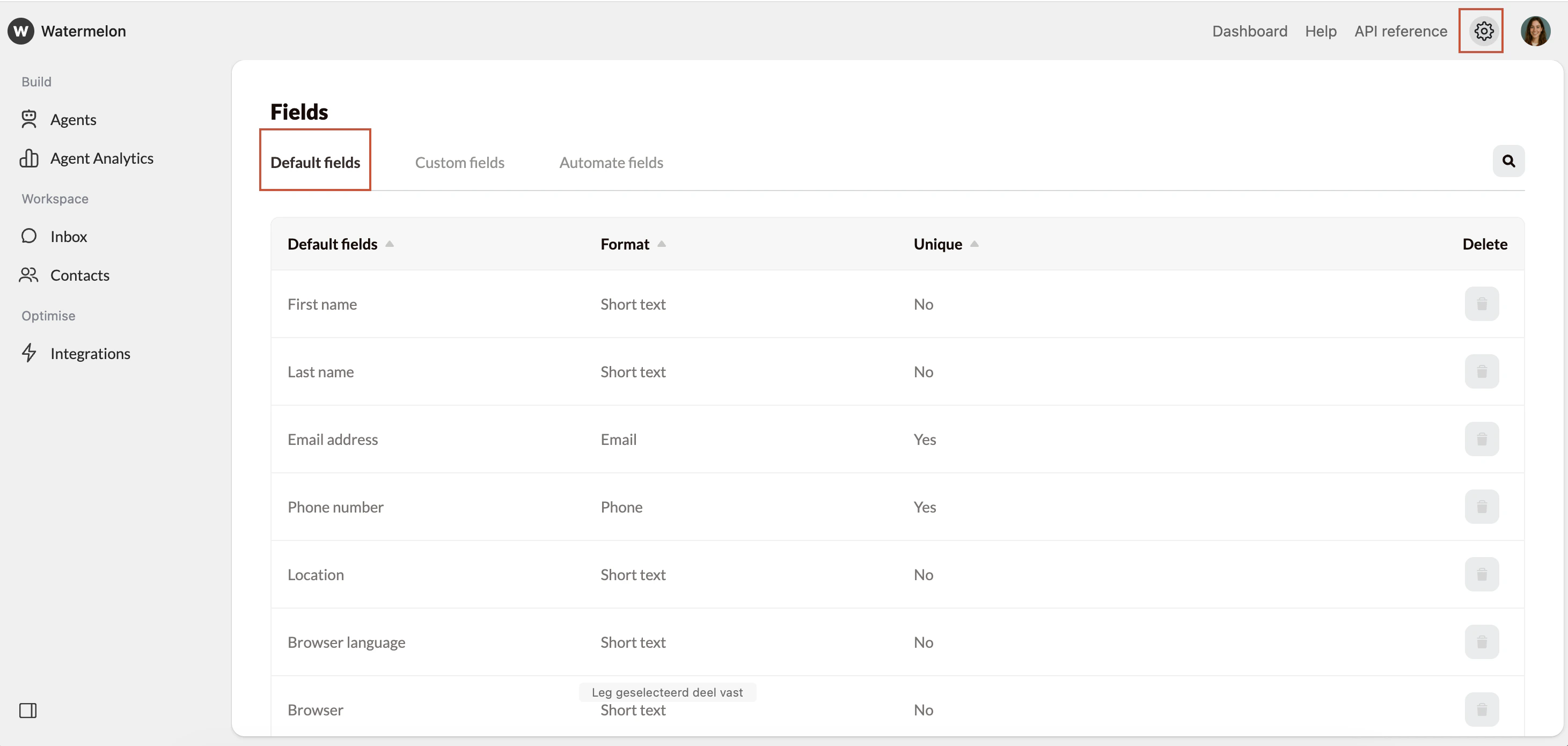
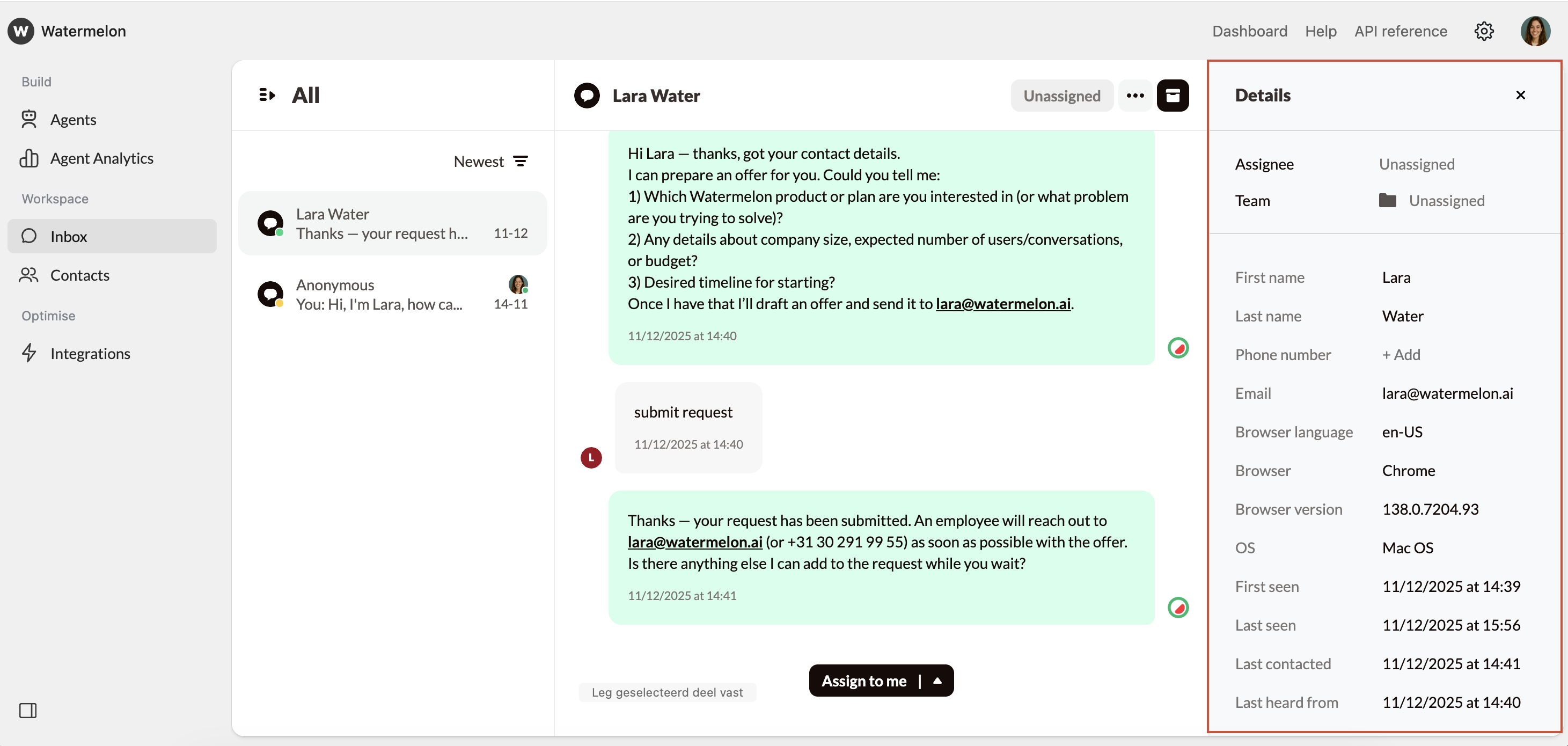
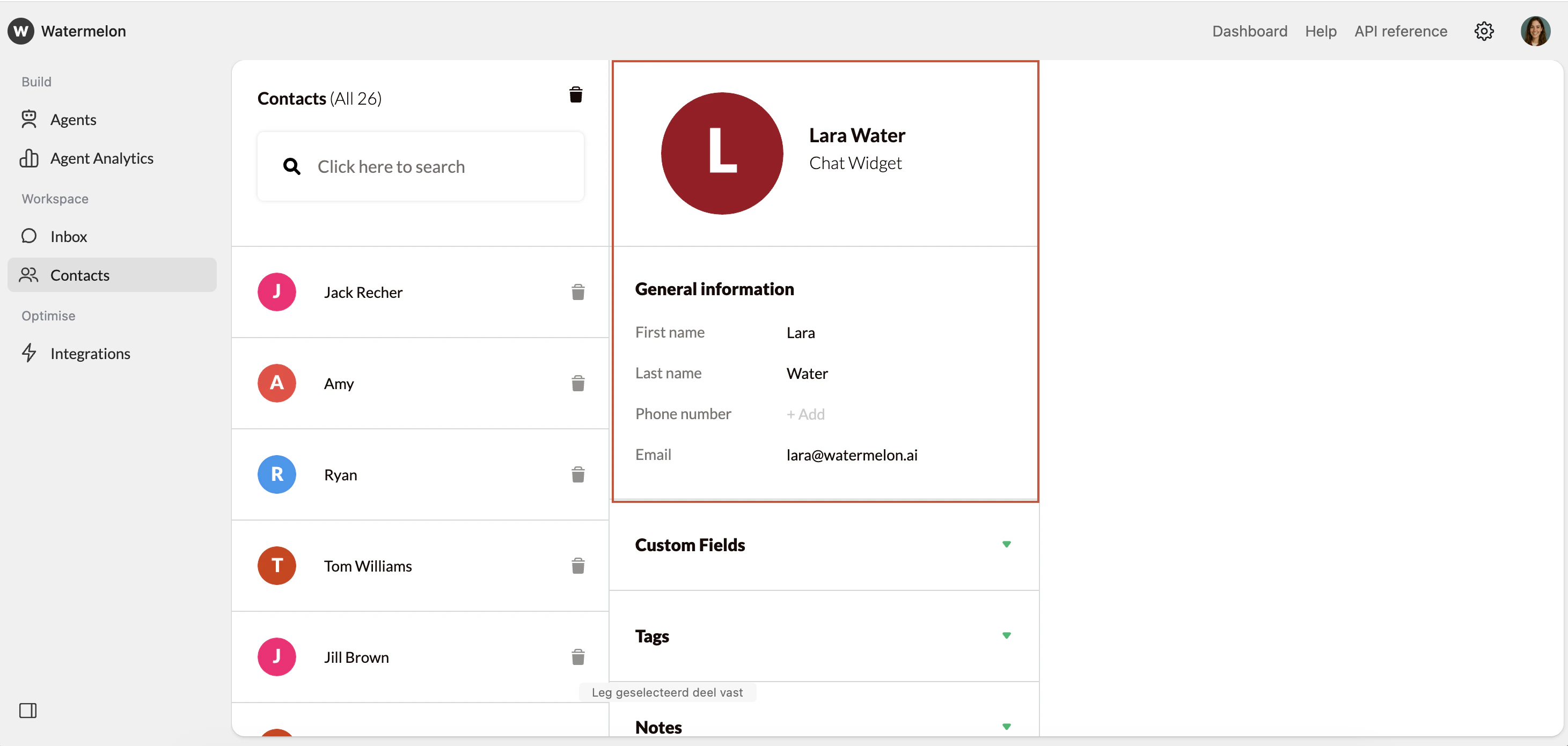
To make things easier, Watermelon already includes a set of default fields in every workspace. You can find all default fields at **Settings **> Fields > Default fields.
| Default field | Description | Editable input |
|---|---|---|
| First name | The visitor’s first name | |
| Last name | The visitor’s family name | |
| Email address | A valid email address shared by the visitor | |
| Phone number | The visitor’s phone number | |
| Browser language | Language code, e.g. nl or en | |
| Browser | Type of browser, e.g. Chrome or Safari | |
| Browser version | Version number of the browser | |
| OS | Device OS, e.g. Windows or Android | |
| First seen | First time the user sent a message | |
| Last seen | Last time the user actively had the widget open | |
| Last contacted | Last message sent from Watermelon to visitor | |
| Last heard from | Last message sent by the visitor | |
| Web sessions | Number of sessions since the first contact |
Default fields cannot be deleted.
Collection per channel
Field data collection depends on the communication channel:| Channel | Details collected by Agent | |
|---|---|---|
| Chat widget | Not applicable. | |
| First name (as set-up in WhatsApp) and phone number | ||
| Facebook Messenger | The user’s name (as set-up in Facebook) | |
| The user’s name (as set-up in Instagram) |

