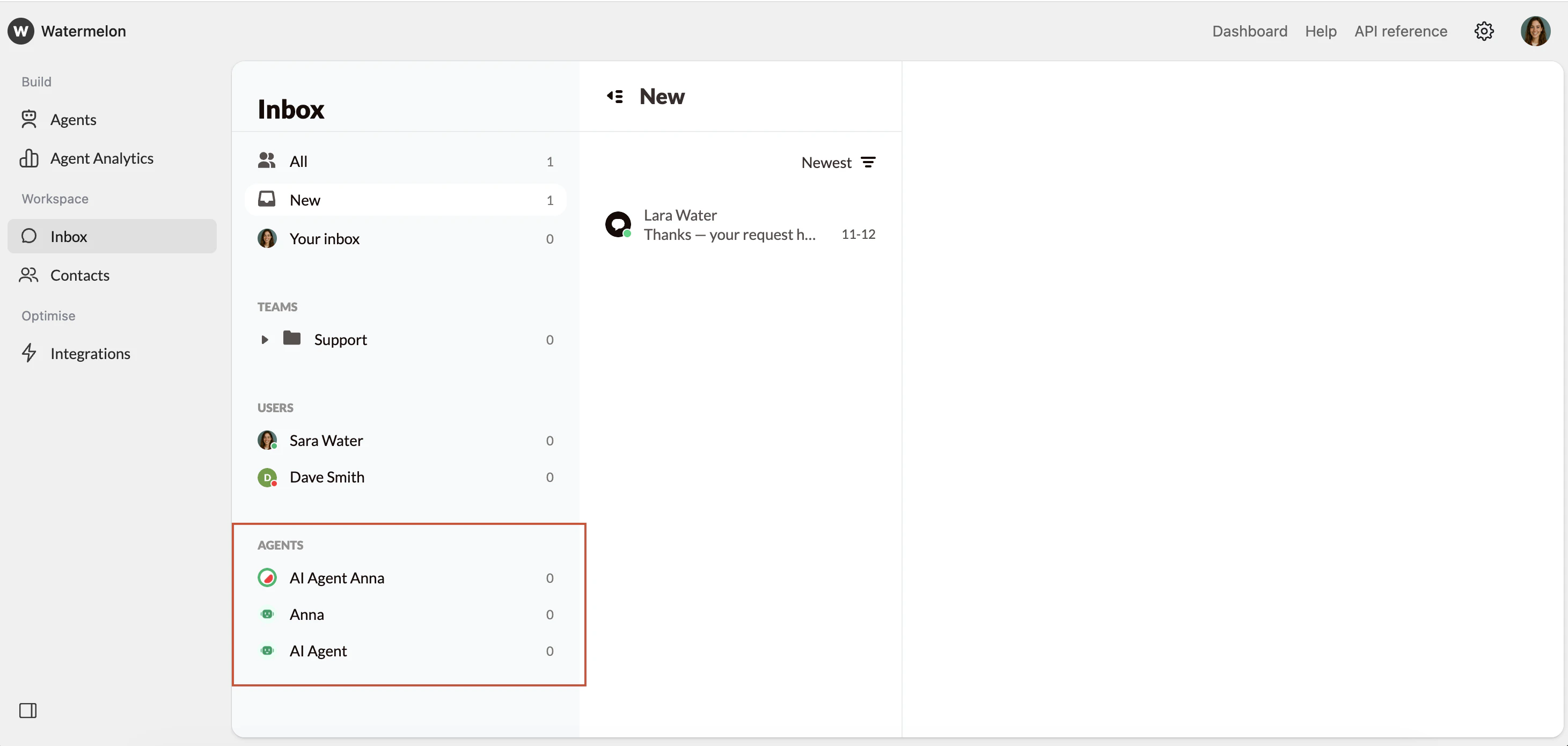
- General
- Teams
- Users (admin only)
- Agents (admin only)
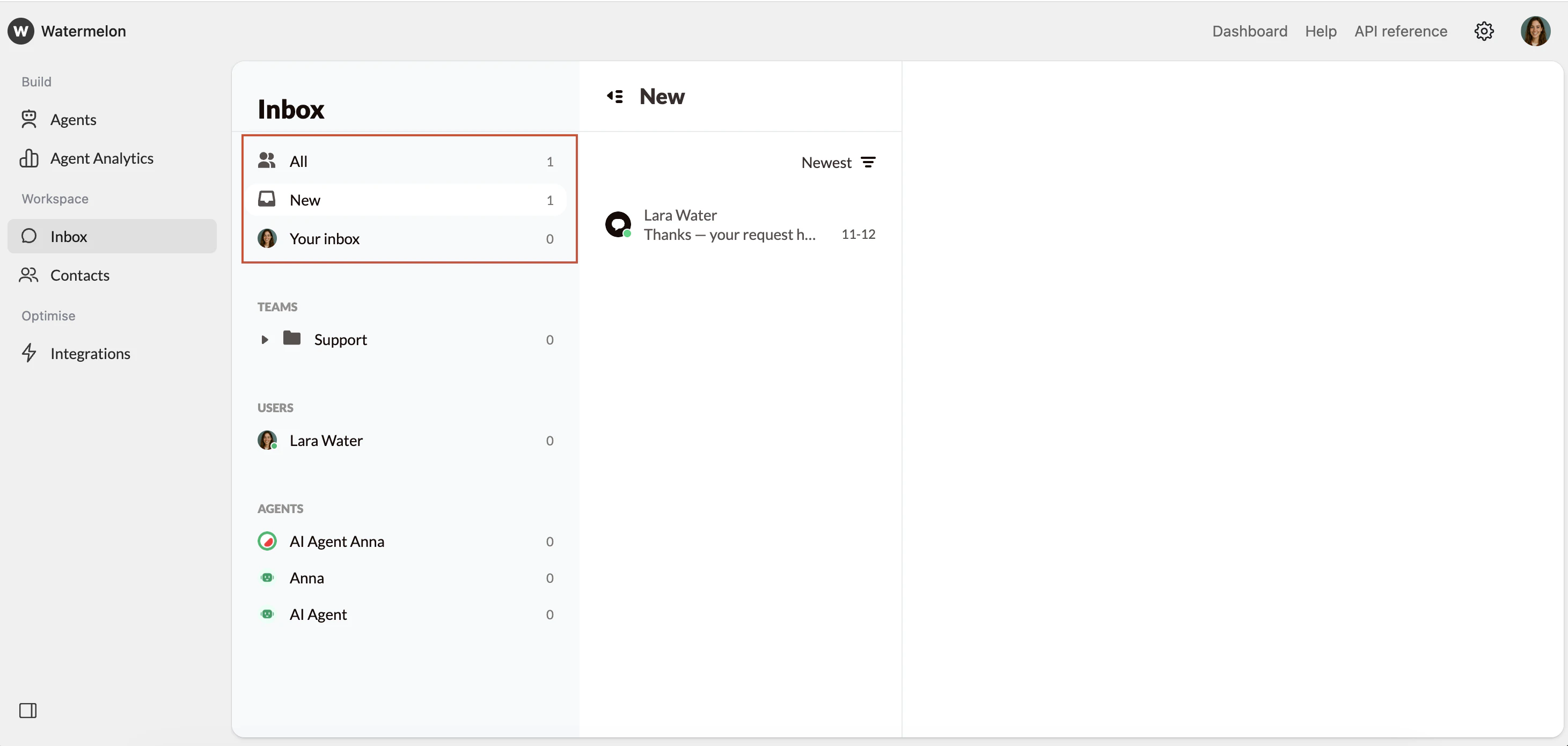
General Filters
The General filters appear at the top left of your Inbox: All, New, and Your Inbox. These filters give you a high-level view of incoming and assigned conversations.- All: Displays all conversations in your organization (available to administrators only).
- New: Shows all new, unassigned conversations that have not yet been picked up.
- Your Inbox: Displays only the conversations currently assigned to you.
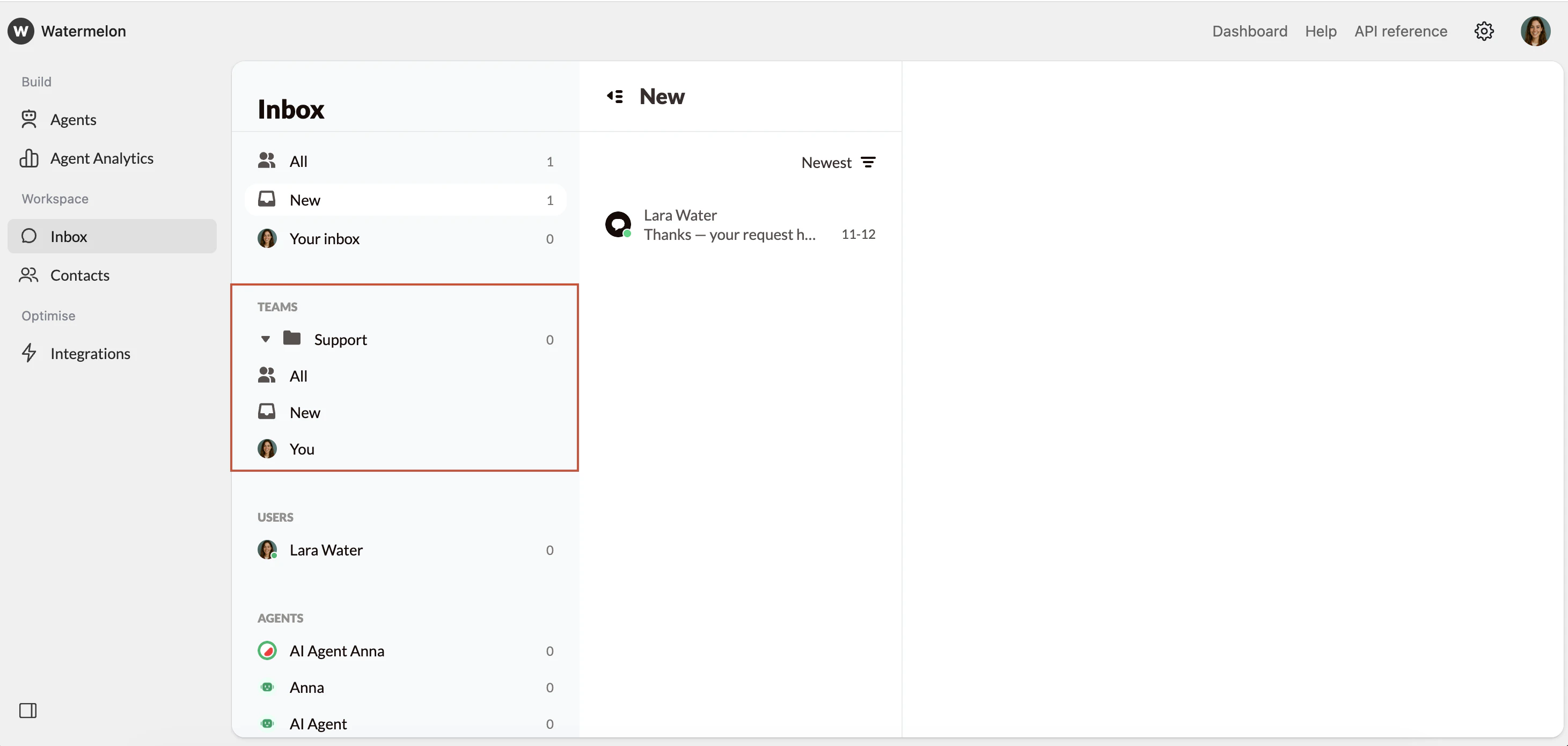
Teams Filters
Each team in Watermelon has its own set of filters to help organize conversations within that group. Team filters appear under each team’s name in the Inbox and typically include:- All: Every chat handled by your team (visible to administrators and team members).
- New: Chats that have not yet been claimed within your team.
- You: Only the conversations currently assigned to you.
Users Filter
The Users filter shows conversations assigned to live users. This section is visible only to Administrators, who can view the activity of each user in order to monitor workloads, review active conversations, or reassign chats if a user is unavailable.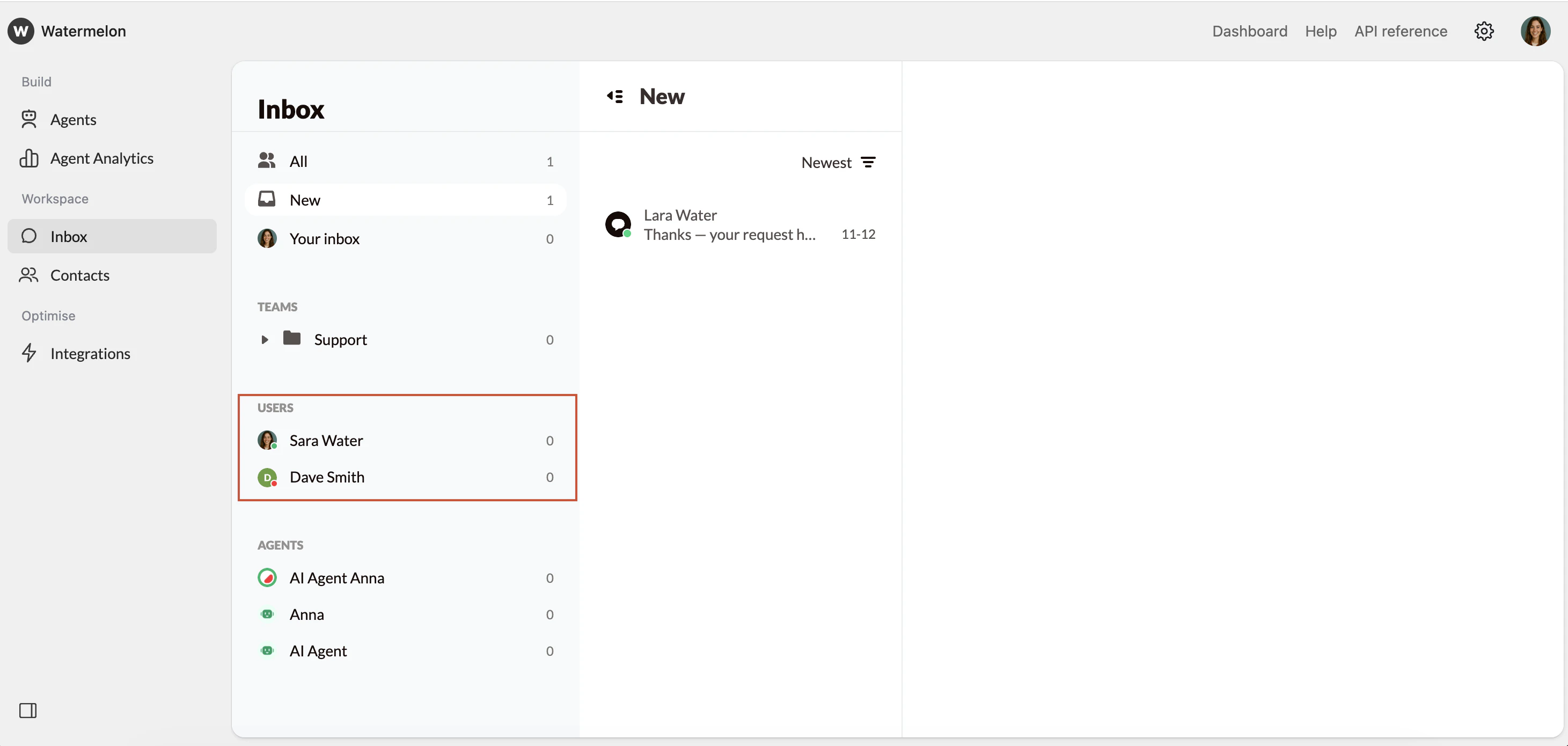
Agents Filter
The Agents filter lets administrators monitor how AI Agents are performing and view all active and past conversations handled by each Agent.