Once your Action schema and authentication are configured, testing ensures everything runs as expected before going live.Documentation Index
Fetch the complete documentation index at: https://watermelon.ai/docs/llms.txt
Use this file to discover all available pages before exploring further.
End-to-End Testing in the Playground
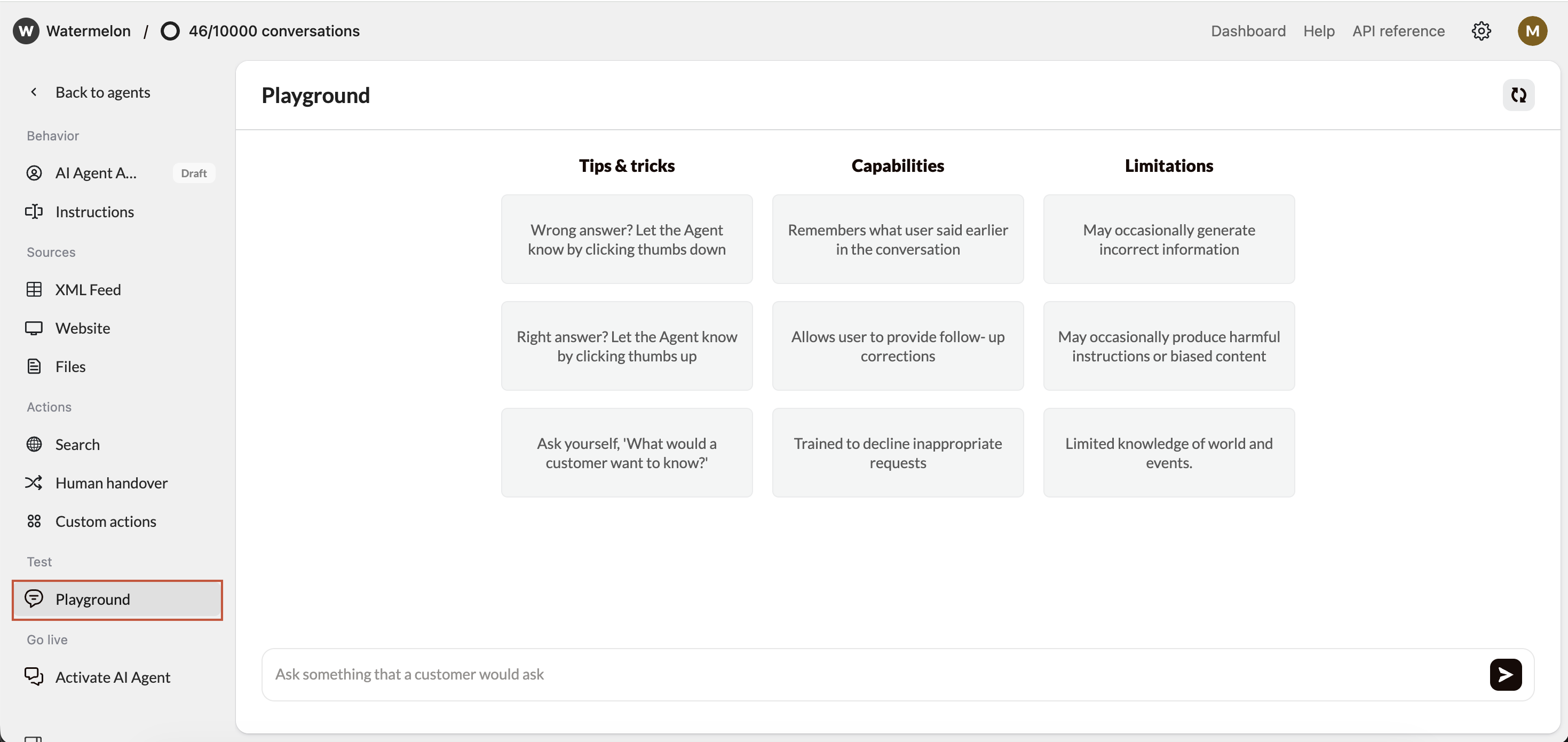
The Playground lets you test your Action directly inside Watermelon, without publishing it. It simulates how your AI Agent will call your API.How to Test
- Go to AI Agent → Playground
- Start having your converstion
- See results
Comparing a Working Postman Call to a Failing Action
When your Action fails but works in Postman, something in Watermelon’s setup doesn’t match your Postman request. Step-by-step comparison| Element | In Postman | In Watermelon | What to Check |
|---|---|---|---|
| Base URL | Matches documentation? | Must be identical | e.g., https://api.example.com/v1 |
| Auth | Token, header, or basic auth | Configured in Authentication section | Matching case & syntax |
| Path | Exact endpoint | Defined in schema under paths: | Same structure and case |
| Query / Body | Key-value pairs | Input fields | Correct names and types |
| Headers | Content-Type, Authorization, etc. | Only if required | Should not duplicate system headers |
- Compare full request URL and headers in both.
- Ensure schema uses correct parameter location (in: query, in: path).
- Check for case sensitivity — orderId ≠ order_id.

