Shopware 6
Connect Shopware 6 to Watermelon and give your AI Agent access to real-time order and product information. Help customers get accurate answers without involving your support team.

Connect your Shopware 6 store
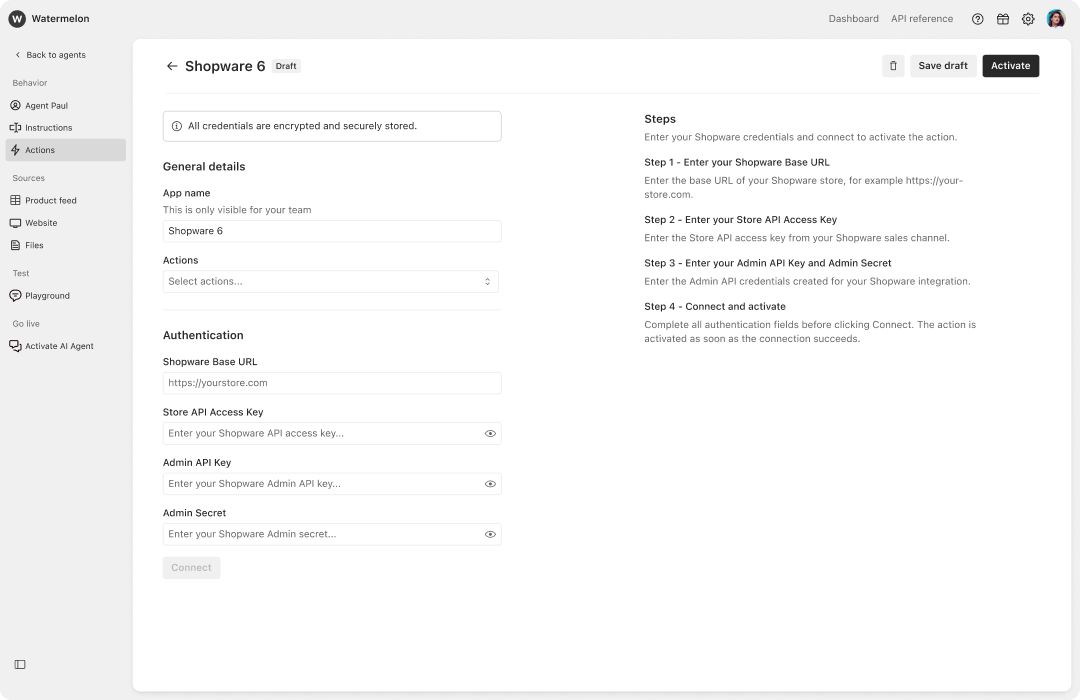
Connect your Shopware 6 store to Watermelon. Once connected, your AI Agent can retrieve real-time order and product information directly from Shopware 6 during customer conversations. Customers can ask about their orders or products and receive accurate, up-to-date answers instantly. To connect Shopware 6 to your Agent, go to Agents → Agent → Actions → Shopware 6.
Answer order questions instantly
Give customers direct access to the information they need. Your AI Agent can retrieve order information from Shopware 6 during a conversation and use that data to answer customer questions. This reduces repetitive support work while giving customers faster and more accurate answers.

Real-time product information
Turn Shopware 6 data into instant answers
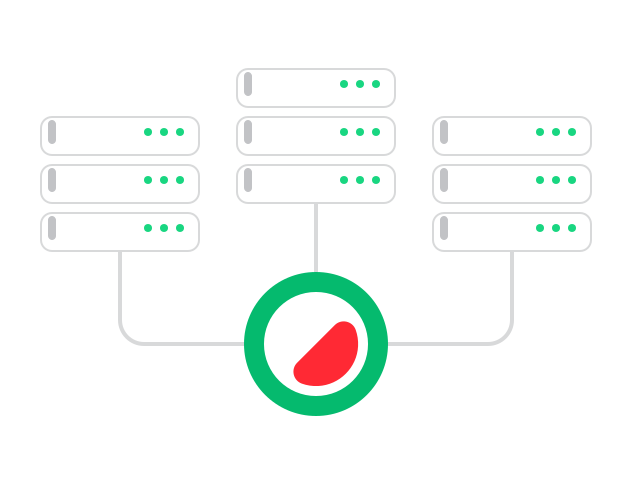
Your AI Agent can retrieve product information directly from Shopware 6 when it is needed during a conversation. Instead of relying only on static knowledge, your Agent can use current store data to answer product-related questions. Connect Shopware 6 and give your customers access to the information they need, 24/7.
Put more customer support on autopilot
Why should you use Watermelon for customer contact?
AI Agent
Create an AI Agent that answers questions, executes actions, and handles conversations automatically.
Channels
Connect with customers across chat, email, WhatsApp, and more from one place.
Inbox
Manage all conversations in one inbox and take over from your AI Agent when needed.
Analytics
Track performance, workload, and what your AI Agent handles automatically.
Customer profiles
View customer data, history, and context to personalize every conversation.
Integrations
Connect your systems and let your AI Agent use real-time data and execute actions.