Selling more while spending less time on your customer service? It can be done! Deploy a chatbot as part of your sales team by means of customer service software. Using a chatbot for sales is efficient, cheap and profitable. You set a chatbot up exactly as you want it. This makes your chatbot unique and entirely tailored to your company. Deploy your chatbot as a personal shopper, as a recruiter or as a customer service agent, for example. Easily carry your tone of voice through, and choose for yourself in which direction a conversation is steered. Would you like to know how to do this? Then read the following five tips.
1. Grab attention
To make sure your e-commerce chatbot becomes a success, it is necessary that your (potential) customers use your chatbot a lot. You can do this by attracting attention: the chatbot does have to stand out, of course.
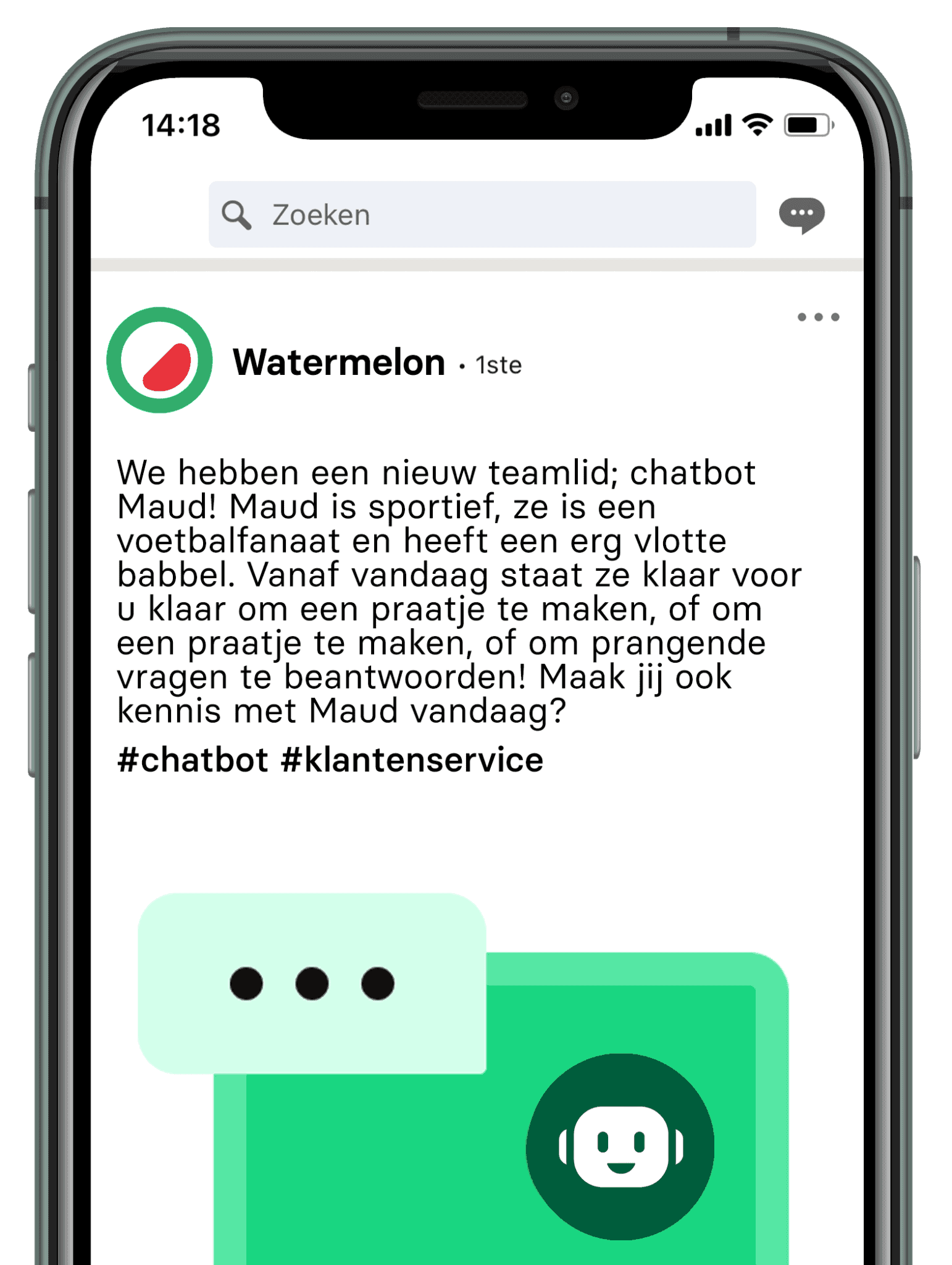
This starts with a chatbot icon on your homepage. Make sure it stands out: have a message pop open after a few seconds of a website visit, for example. Think of a text such as: “Hello! I am Chatbot Charlie. Should you have any questions, I am here for you!” Make the chatbot stand out! You can also choose to write blog articles about the chatbot and his or her functionalities. This makes your customers curious and means readers want to try your chatbot out. You can also include the chatbot as a colleague by putting the bot on your website's team page, or introducing it on LinkedIn or Facebook.
2. Make contact with the chatbot as human as possible
To let a conversation run as naturally as possible, you can teach the chatbot a use of language that sounds as if you are talking to a real member of staff. Make sure, for example, that the chatbot asks return questions, and responds to a customer's questions in as customer-centric a way as possible. When a customer asks about delivery dates, have the chatbot ask when the customer would most like to have received the parcel, for instance. After that you can give more explanation about your express service. You gain from this, and you improve the customer's experience by thinking along with them. When a chatbot does not know the answer, make sure the bot does not ask three times whether the customer would rephrase the question, but passes the conversation on to a human member of staff automatically. That way you work as efficiently as possible and can sell your product faster, because a customer does not get stuck in the middle of the purchasing process.
3. Determine in advance how conversations run
Make sure you have a clear strategy. Are you going to use an open chatbot model? Or do you prefer a closed model? The difference between these models is that with an open model your customer can ask questions themselves, while with a closed model the customer can ask questions through the use of menus. You can also combine these two models: then you use a hybrid model. At that point you can choose, for example, to begin the conversation with a closed question (“What would you like more information about?”) paired with a number of answer options (delivery, complaint, product specifications, and so on). After this question, you can give the customer the option of typing a question themselves. Should a chatbot not understand this question, the bot does at least know which category the question falls into, so the conversation can be forwarded straight to the right member of staff. That way you make sure your digital customer contact runs as efficiently as possible.
After you have set up the conversation trees optimally, you build in fixed conversion moments. You do this by sending calls to action at fixed moments or by pointing customers to your latest online promotions. That way you sell your product in a natural way, offer added value to the customer and easily bring in more leads.
4. A/B testing for optimal results
To be sure you get the maximum out of your chatbot, you can A/B test your conversations. On a chatbot platform you easily adjust a conversation; that way you can test what happens to your conversion rates if you change the answer to a particular question. Send an extra return question, for example, or insert a GIF file to hold the customer's attention.
5. Structure your data
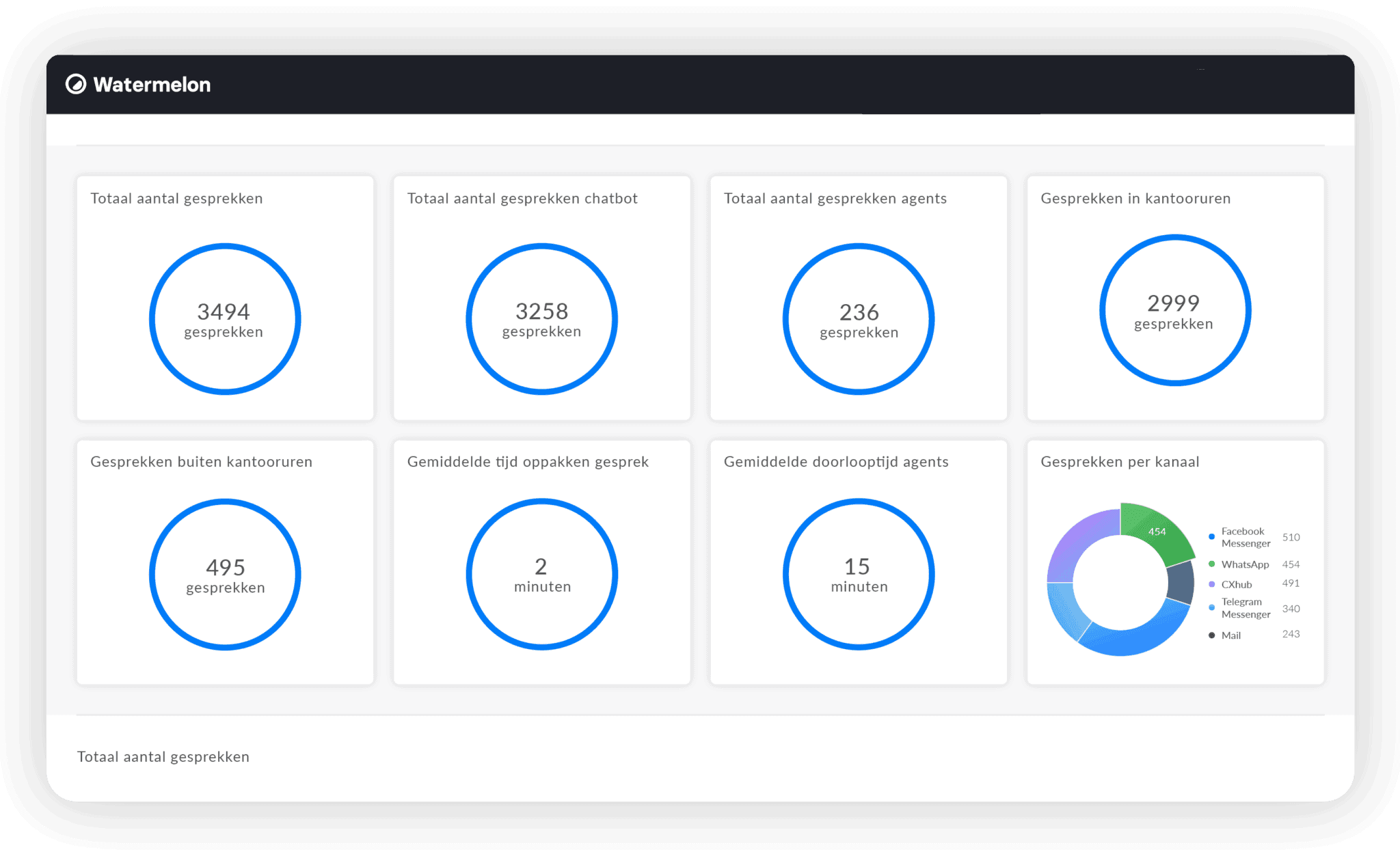
Some chatbot platforms also give you the possibility of seeing data from the chat conversations. Very handy to keep track of if you want to improve your customer service! You can sort your data by adding tags, or by categorising conversation subjects. This lets you discover what most complaints are about, and what customers run into. By optimising these points, fewer customers will get stuck on them and your sales will increase. The statistics can also show you where the peak moments are: how many conversations are held at which moment. You can deploy your staff efficiently here, and customers will never leave your website dissatisfied because of long waiting times again.
Selling efficiently with a chatbot
With Watermelon you easily set up a chatbot's conversations and get access to extensive statistics. You get a dedicated Customer Success Manager you can go to with all your questions. That way you quickly and efficiently set up a chatbot that works for you at lightning speed and optimally. Are you curious what successful chatbots look like? Then download the whitepaper now.


