Why place a shopify chatbot on your website?
Companies and websites increasingly deploy chatbots on their website. With the aim of conversing, advising and generating leads more. Visitors to these website chatbots chat here with a robot that deals with them digitally. But why would you place a chatbot on your website? What are the advantages and do you actually need a shopify chatbot on your website? Read on for a complete overview of placing a chatbot on your website.
What is a chatbot and how does it work?
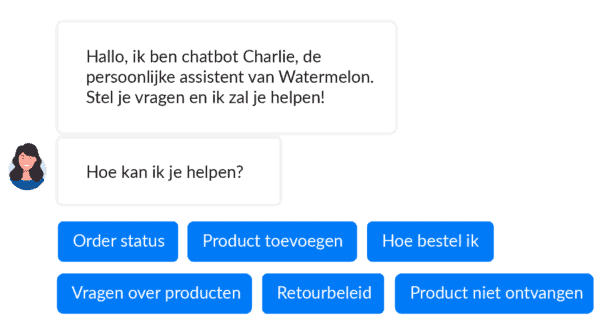
A chatbot is a combination of the English word ‘chat’ combined with the word ‘robot’. This technology makes use of Artificial Intelligence and Machine Learning. Thanks to this technology a chatbot supplies visitors with an answer to their questions straight away. Want to know more about how chatbots work? Read more here.
The advantages of a chatbot on your website
Placing a support chatbot on your website brings you various advantages. But what are these exactly? The various advantages are discussed below. That way you can form a good judgement yourself about the use of placing a chatbot on your website.
Increase your availability
A support bot is more than full-time present. He/she does not sleep, is never ill, does not go on holiday and never even has to go to the toilet. This means your customers have a point of contact at your company at any moment of the day, seven days a week. If this is also combined with a chatbot that is available on several channels, this availability is increased again.
No waiting time, an immediate answer
Does the sentence ‘one moment please, you are next in the queue’ sound familiar? When you want to reach a company, the last thing you hope for is an endless circle of referrals and queues. Thanks to a support chatbot you solve this problem in one go. By placing a chatbot on your website you ensure that every customer is dealt with straight away. A chatbot holds several conversations at once, without any effort. Your customers are therefore dealt with in a friendly and adequate way straight away. Can they not work it out with the chatbot or do they really want to speak to a member of staff? Make use of a hybrid function, in which the chatbot forwards the conversation to a live member of staff.
Generate leads with your digital shop assistant
Research shows that 50% of potential sales do not go through because visitors cannot find what they are looking for. A chatbot helps with this, by letting it act as a shop assistant, just as in a normal shop. With this you not only create an extensive experience for your customer, but you also raise your sales. Offer advice via your chatbot, or have it search your range for the right product for your customer.
This means your customers never have to feel overwhelmed by the large range of products on your website again. Easily offer them personalised shopping advice or send them a notification when your customers have been staring at the same product for ten minutes.
Save costs
Every company would like a customer service employee who works 24/7, is never ill, needs no lunch break and does not have to go on holiday. Unfortunately there is no human who could actually do this. A chatbot, by contrast, is always there for you and your customers. With a digital colleague, avoid deploying extra manpower in your customer service department, at peak moments too! A chatbot only has to be inducted once and does not resign.. A digital colleague answers several questions at once and makes sure (at least) the first-line questions are automated. Reduce your telephone and email contact, the two most time-consuming points in a customer service department.
Create a complete customer profile
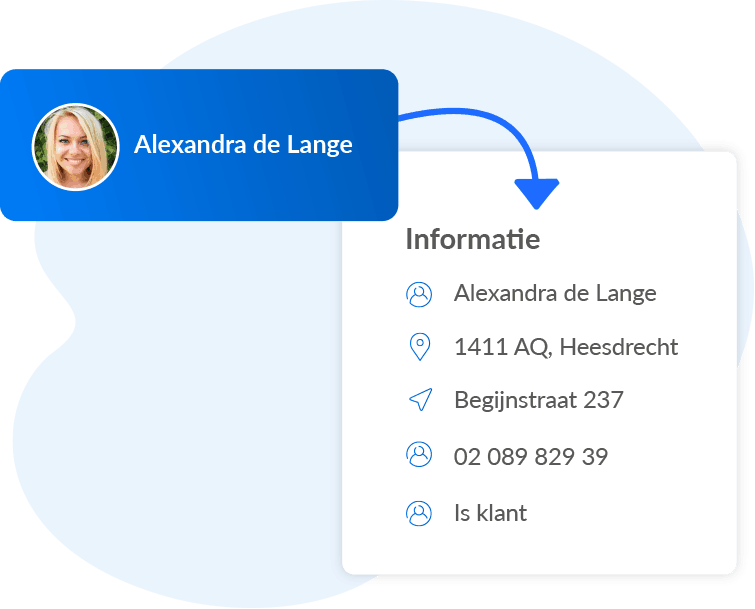
Knowing is measuring, as the saying goes. As a Watermelon customer you have an extensive customer profile at your disposal. This goes via the ‘free fields’ overview. Here you can add labels and tags to the website visitor, so that he or she is recognised next time. That way you greet your customer personally and make sure no repeating matters arise. With this you create a face behind website visitor #46653.
How do you build a chatbot on your website?
A shopify chatbot can be built in several ways. You have the choice between Custom Build and building with the help of a Platform, such as Watermelon. These options differ greatly from one another in cost, time and ease. Read on for a detailed overview and see what suits your company.
Custom build chatbot
Building manually is a solution with the right budget and the right time. By bringing in the right resources, almost anything is possible. You determine how your chatbot functions and where it stands online. In reality, though, this is often an unachievable job. Most organisations get stuck on the budget and abandon the build, or they lack the manpower to finish the build. An important tip is the importance of the right focus. It is better to have an excellent bot in a particular area than a half-functioning bot spread over several things. To build your own platform manually you need a high budget, a complete development team and a wide range of time. You can see an example of a chatbot framework below.
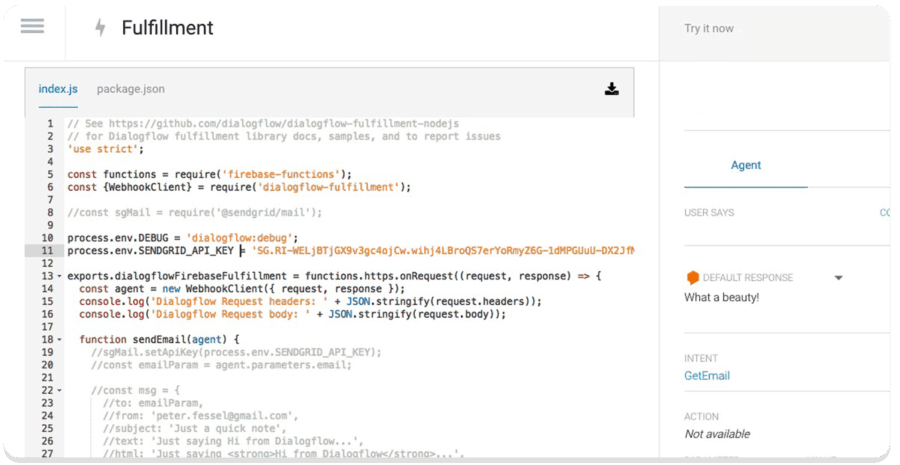
Chatbot Platform
One of the biggest advantages of using an existing chatbot platform is the ease of use that comes with it. When you start with Watermelon's platform you need no coding skills, nor a development team. The only thing you have to think about is the content you add to your bot. What are your most frequently asked questions? And what do your customers need assistance with? With a conversational platform you do have limitations, though. The technology is relatively new and certain functions have not yet been developed. What is a given, though, is that the time that passes is equal to the improvement of the technology.
What such a shopify chatbot platform looks like can be seen in the example below. At Watermelon you only enter your chatbot's content instead of programming it yourself. When your bot is live, all your incoming messages will come in in the same Dashboard.
You can adapt the shopify chatbot entirely to your own branding and colours, so that you work the bot seamlessly into your website. On top of that you can choose from a range of notification functions and you have access to an extensive statistics profile.
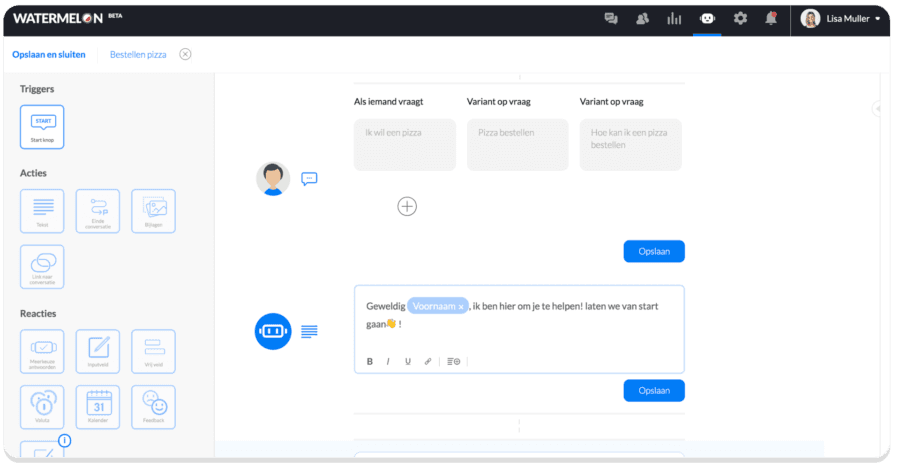
How do you place a Chatbot on your website place?
Placing a chatbot on your website happens in different ways. The way you place a chatbot on your website depends on your website builder. Whether you want to deploy a support shopify chatbot, customer service chatbot or sales chatbot, this all goes the same way. Shopify, Magento or Wordpress are much-used platforms and website builders, for example. Below I describe two different possibilities for placing the chatbot on your website.
1: Add the script to your web page via a plug-in
Your website's script is effectively the basis of your website; this is where you make your changes. When you are a Watermelon customer you get a piece of script from us. This piece of script is effectively the basis of your chat function. When you add this piece of script to your web page you can make use of your chatbot. It is then live on your website and functions entirely as you wish. You of course still arrange your bot's content and the conversations within the Watermelon dashboard after placing the piece of script. To add this script you need no technical knowledge; it is self-explanatory.
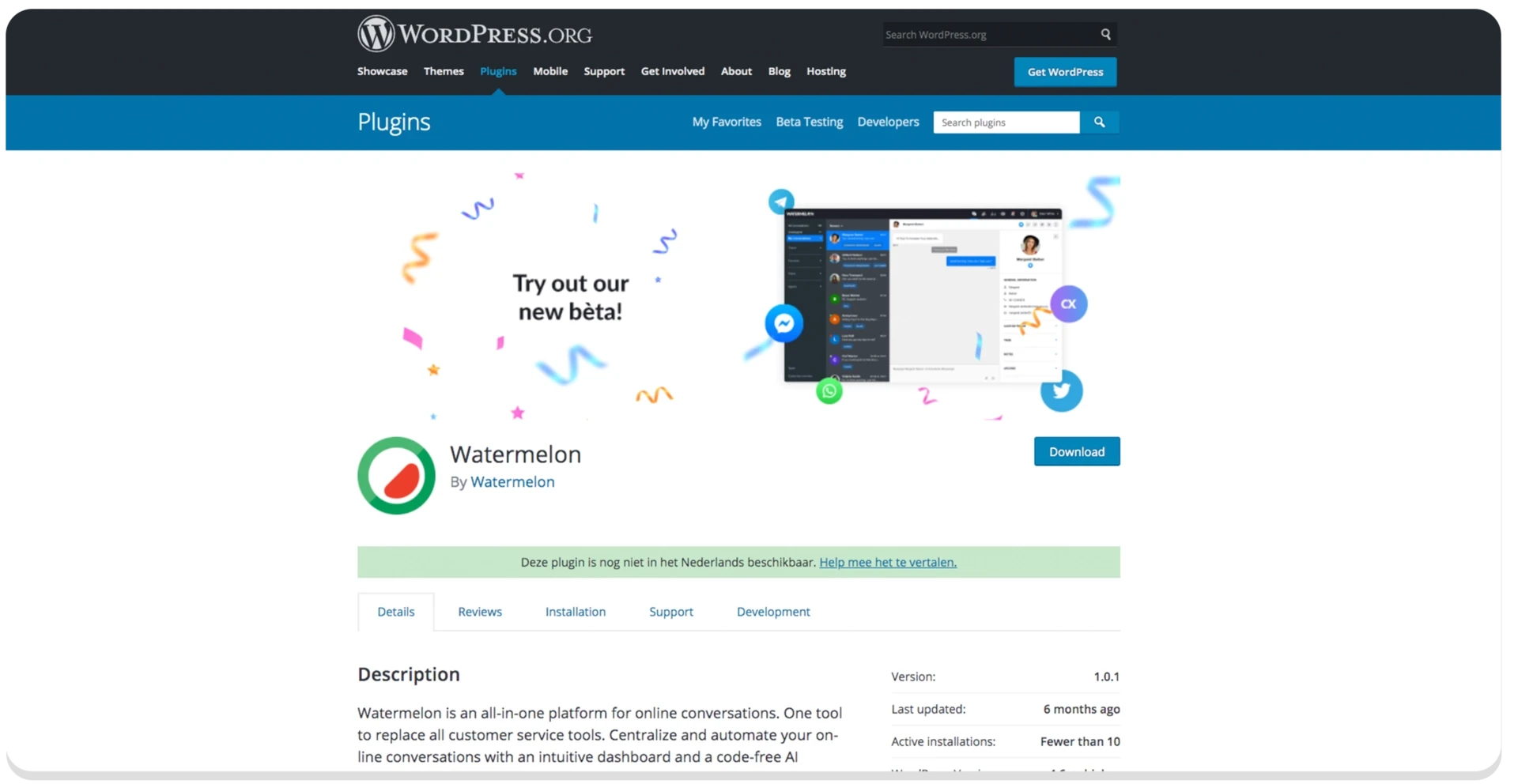
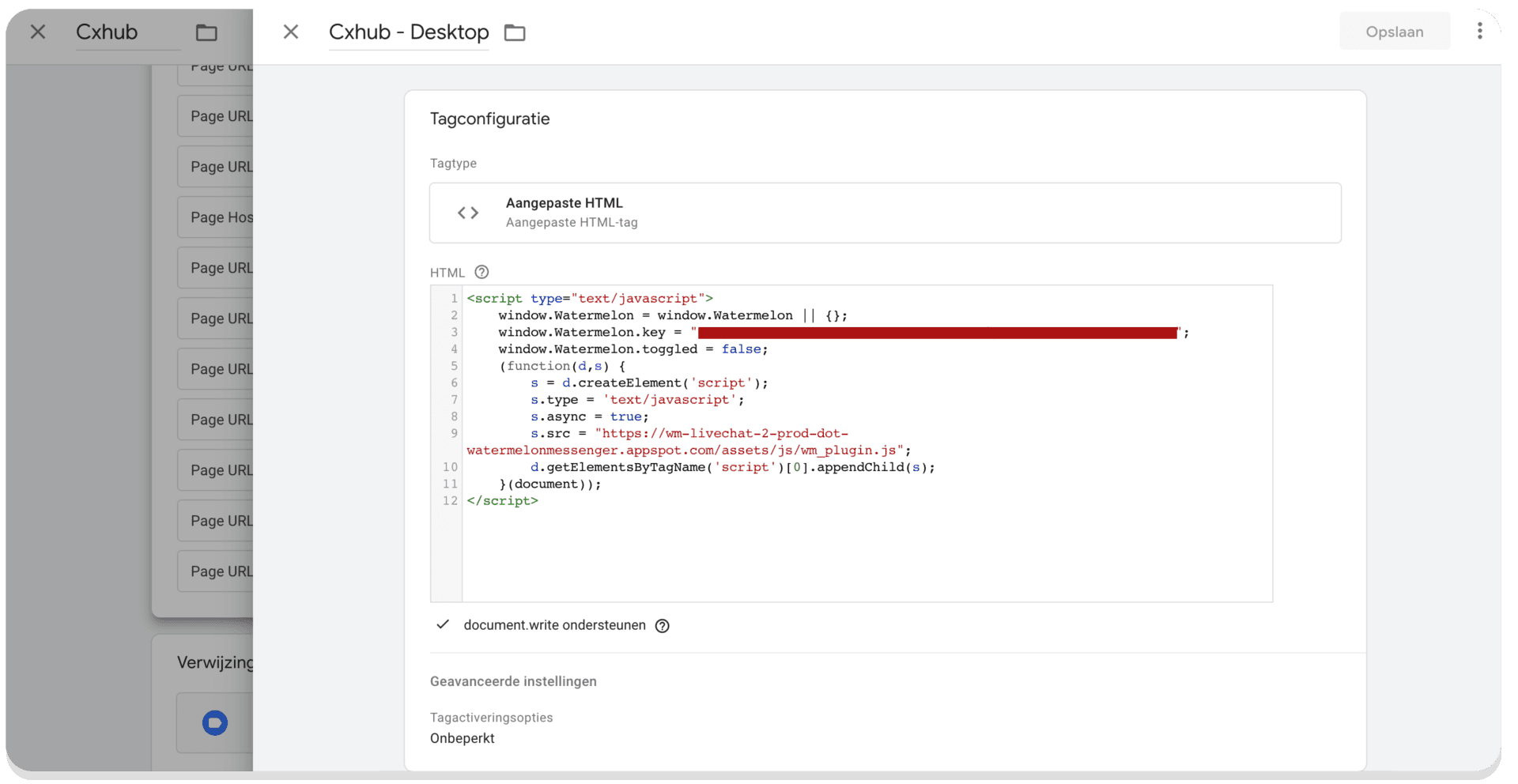
2: Add the script via Google Tag Manager
Should your website builder not offer a plug-in for adding your script, this can always be done via Google Tag Manager. This way you have the same outcome via a slightly different route. This way you can make use of your chatbot, whichever website builder you use.
What does placing a chatbot on your website cost?
What a chatbot costs is a difficult question to answer. The level of the chatbot costs will depend on whether you are going to program a chatbot yourself with the help of a framework or you make use of a chatbot platform. Should you use a chatbot platform, it is good to look at which functions and possibilities you are going to use. Once you have mapped out which functions and possibilities you are going to use, the thing to do is to compare the packages and prices of chatbot suppliers. Within the chatbot packages you can pay attention to the number of users, conversations and agents that are included. You want to know whether an integration with your CRM is possible where you can store customer data. On top of that it is also good to know what happens when the chatbot does not understand something; is there a hybrid functionality? These indicators already give you a better picture of the price you pay for your shopify chatbot.
Want to read more about successful chatbots?
Would you like to know more about successful chatbots? Download the free whitepaper and read about the success stories of Stichting BKR and Hunter Douglas (Luxaflex), among others.