Would you like to integrate your chatbot entirely in your own branding? You can, with Watermelon's Website Widget. Upload your own icon or choose from existing designs. Your chatbot matches your website and organisation completely. Read how you generate more traffic to your chatbot and give your lead generation a boost in this blog.
One of Watermelon's most requested features is ready for use. Thanks to this new feature you make your chatbot match your own branding completely. Give your chatbot more character by adding the perfect image to it. You choose from existing designs, GIFs or personal photos. On top of that it is possible to choose different icons for different website pages. Read which icon suits your chatbot in this overview and discover the best choice for your chatbot or live chat.
Generate more traffic to your live chat
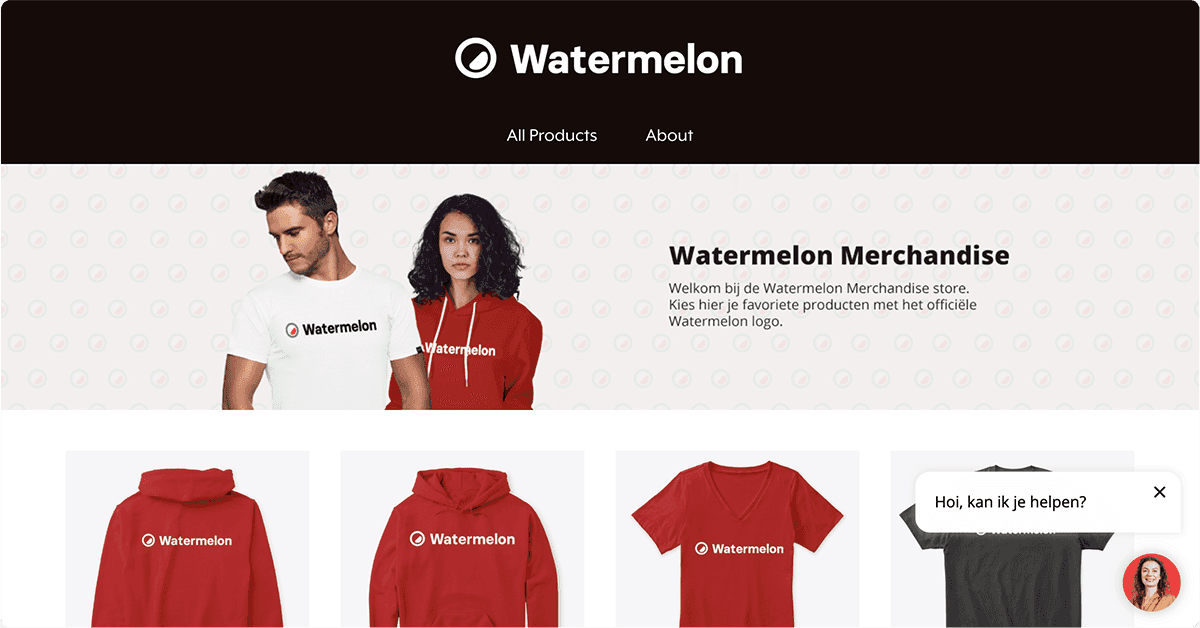
With Watermelon's Website Widget you choose an icon that best suits your company and target audience. Your chatbot attracts more visitors with a fitting icon: a specific icon for your Website Widget can be just what persuades your customer to get in touch with your chatbot or live chat. Below you will find three examples of how an adapted Website Widget icon can match your company.
Go for a personal touch
Would you like to get more visitors to your live chat? Then give your live chat an inviting look by means of a personal touch! Go for an enthusiastic photo of a team member, for example. Your customer immediately gets the feeling of being in contact with a member of staff. On top of that, an inviting smile on the chosen icon immediately produces a positive sentiment in your customer.
Radiate professionalism
Your Website Widget's icon is comparable to the first impression you get at a meeting. It is therefore important that the message and personality you want to radiate come back in the icon. Do you have an older target audience or do you want a serious tone of voice? Then choose to add a businesslike icon. Add a tie to the image, for example, for a businesslike touch.
Make it festive
Do you have low-threshold contact with your customers or do you have a younger target audience? Let your relaxed approach come back in your icon. With Watermelon's Website Widget you can even show GIFs in your icon. A GIF is a moving file in which you easily express emotion and expression. The movement draws extra attention to the image. Take a GIF with a waving person, for example. You address your customer straight away with a dynamic, spontaneous twist in your customer contact. Does your company sell cars, for instance? Then go for a GIF with a car driving up! Nothing is too wild, or it can be done with a GIF. Make your own GIF or choose from one of the many existing GIFs, and draw extra attention from your website visitors!
Use the Website Widget as a lead generator
Would you like to generate more leads or achieve more orders as an e-commerce company? Then deploy your chatbot as a digital lead generator. You already let your chatbot act as a digital sales assistant by giving personal advice in the chat and offering payment options there, but for that your customer of course has to start the conversation with your chatbot first. Combine Watermelon's eyecatcher with the Website Widget for an extra call to action in your webshop. Put the text ‘Place your order here!’ in the eyecatcher, for example, and change your Website Widget's icon into a bag or delivery box.

With Watermelon's Website Widget you can be sure your chatbot matches your own branding completely. Choose your own icon and create an image or GIF that inspires your visitors to start the conversation. Add more character to your chatbot or live chat and see your conversations increase. Try it yourself and create a free account!


