

What Are Action Templates?
Templates are pre-built Actions for common systems and use cases. Each template contains:- A validated OpenAPI schema
- Predefined authentication method
- Example paths and responses
- Built-in health check URL
- Ready-to-use test data
Available Templates
Current templates in Watermelon include: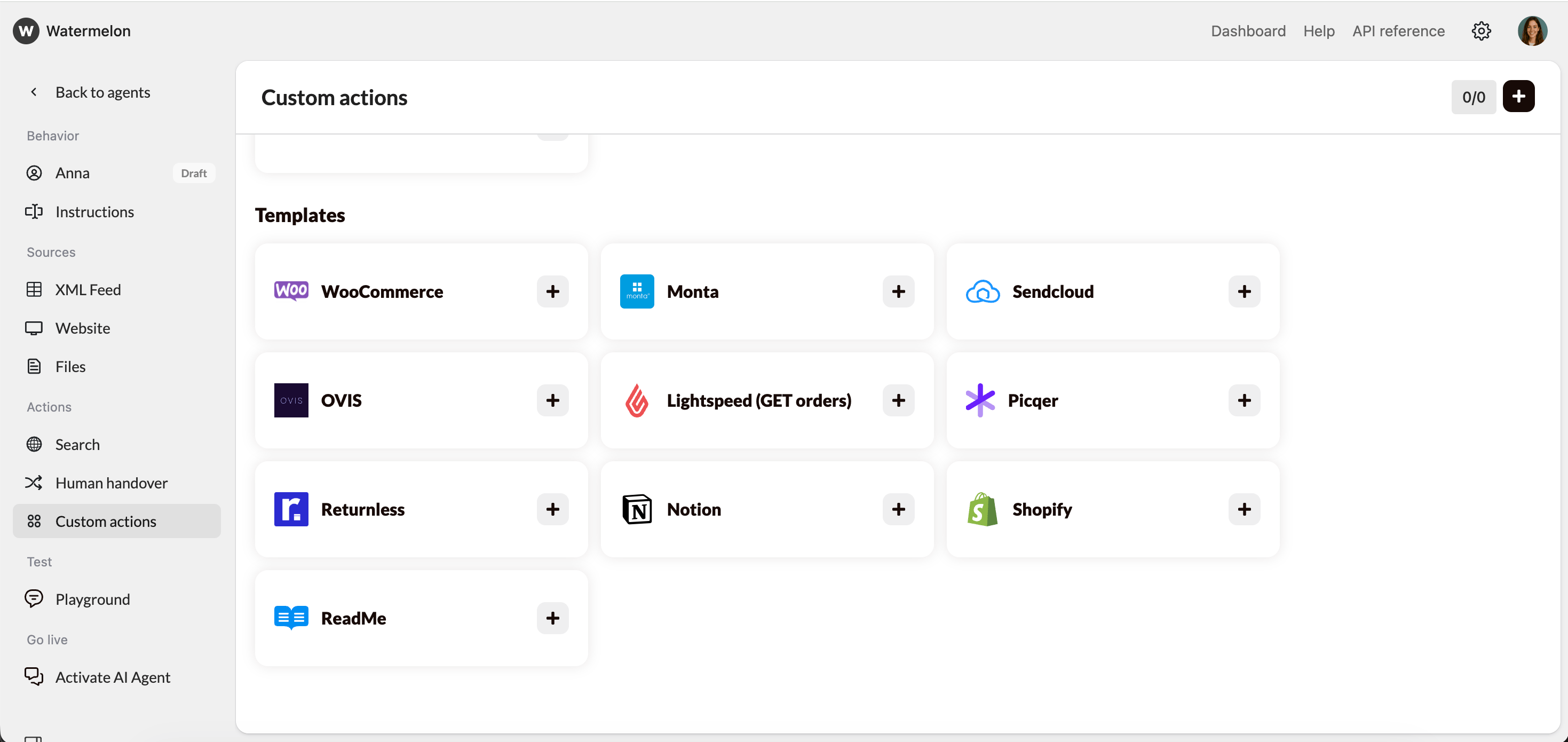
How to Add a Template
- Go to AI Agent → Custome Actions.
- Under Templates, select the integration you want (e.g. Shopify).
- Click the + icon to add it to your Actions list.
- Fill in the required fields (e.g. API key or authentication token).
- Save and test it using the Playground.
Editing or Extending a Template
After adding a template, you can:- Edit the schema to adjust parameters or endpoints.
- Add extra paths to expand functionality (e.g. add POST /orders next to GET /orders).
- Rename fields to match your internal data structure.
- Duplicate the Action to create a versioned variant (e.g. Lightspeed Orders v2).
When to Use a Template vs. Build Your Own
Best Practices
- Test immediately after adding a template using real or sandbox data.
- Don’t change authentication type unless your API key structure differs.
- Keep templates isolated — avoid mixing environments (e.g. staging + production) in one Action.
- Version your custom edits by duplicating the Action and renaming it (e.g. “Returnless v2”).
- Contact Support if the base template doesn’t fit your workflow — we can create new templates upon request.