In our blog about prejudices around chatbots, we discussed one we hear regularly: "chatbots are not personal". It probably comes as no surprise that we see it differently. You can make a chatbot extremely personal if you invest a little time and creativity in it. We even have a number of customers who say the chatbot is so personal that people do not realise during the chat that they are not chatting with a flesh-and-blood human. What steps can you take to make your chatbot as personal as possible? In this blog we give you 5 tips!
Tip 1: Map out the goal of the chatbot
First think carefully about the why question: why are you going to deploy a chatbot? Which questions do your customers ask the chatbot? Which problems do you want to help them with? Why does a customer contact the chatbot?
To answer these questions, it is important to know exactly who you are going to communicate with. What do your customers look like? How do they like to communicate? Think not only about demographic factors (gender, age, education and role), but also about psychographic factors (values, interests, lifestyle, and so on).
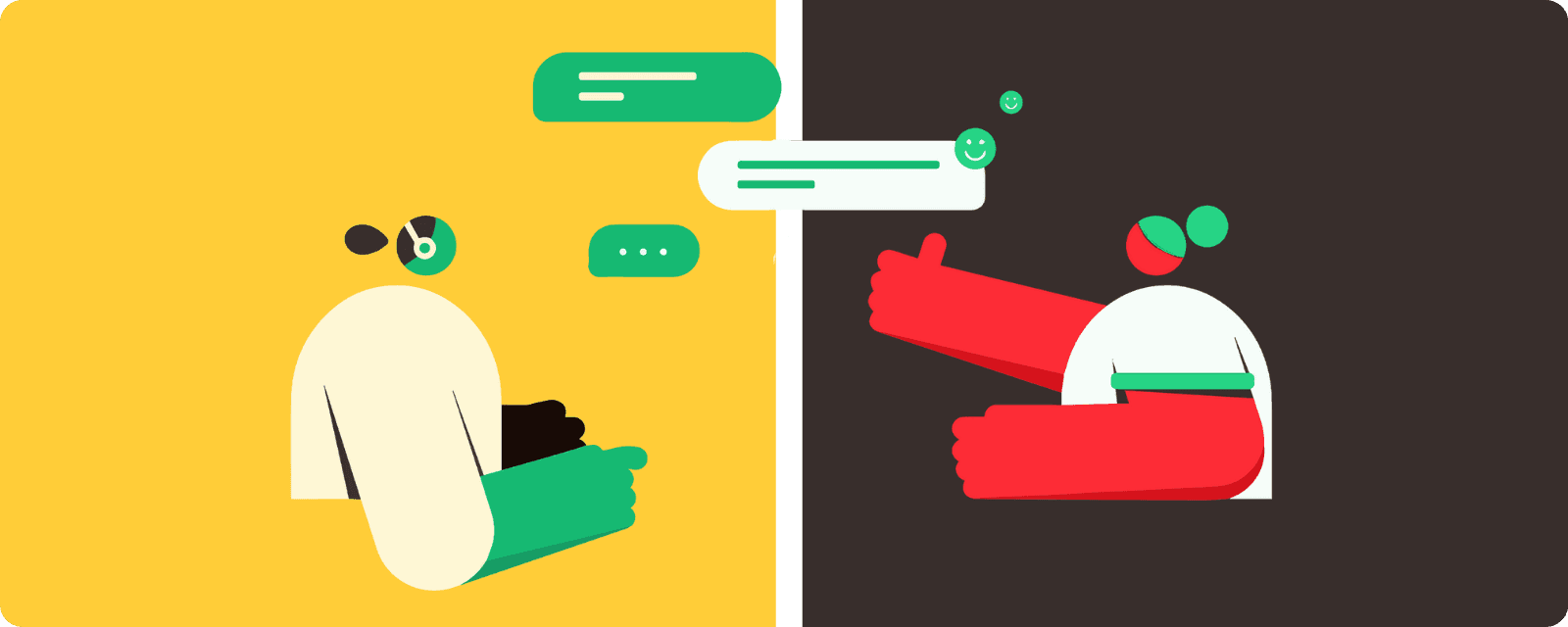
Tip 2: Give your chatbot a personality of its own
Now that we have mapped out the customer and the goal of the chatbot properly, we can think about the personality of the chatbot. The personality consists of, among other things, a tone of voice, a name and an appearance.
Tone of voice
How does the chatbot communicate with the customer? You naturally want the chatbot's manner of speaking to be in line with your organisation's tone of voice. With a consistent tone of voice you are recognisable and you build an image for your organisation. With the word ‘hej’, for example, there is a good chance you think straight away of Ikea. This greeting is characteristic of the Swedish company, and is part of the recognisable tone of voice it uses.
There are a few more aspects worth considering when it comes to the chatbot's tone of voice. For example: does the chatbot address the audience formally or informally? Does the chatbot speak in short answers or long ones? Does the chatbot use emoticons or GIFs? Do your customers like the chatbot to be able to chitchat? Or do your customers place no value on that? Try to describe the tone of voice as specifically as possible.
Name
Now that we have determined the goal and the tone of voice, we can give the chatbot a name. Coming up with a name for the chatbot can be one of the last steps in the process. Sometimes a name only comes to you while you are working on the design of the chatbot's appearance.
Should you already be ready for it: go for a simple chatbot name that is easy to remember. Give it a fun twist and play a little with your brand name. A nice example: Chatbot Billie, from bol.com, or Xoë from XOhotels. You can of course also play with the function of your chatbot: Handybot or Leadbot, for example. You can also give your digital colleague a “normal” name, such as Laura or Daan, so that the chatbot feels like a real person.
Appearance
A chatbot can be a cartoon, an illustration, a person, an animal or have a robot-like look . Make sure the visual design fits your organisation's house style. Should you choose a person or cartoon, do give it a smile. You want your customers to be helped with a smile, don't you?
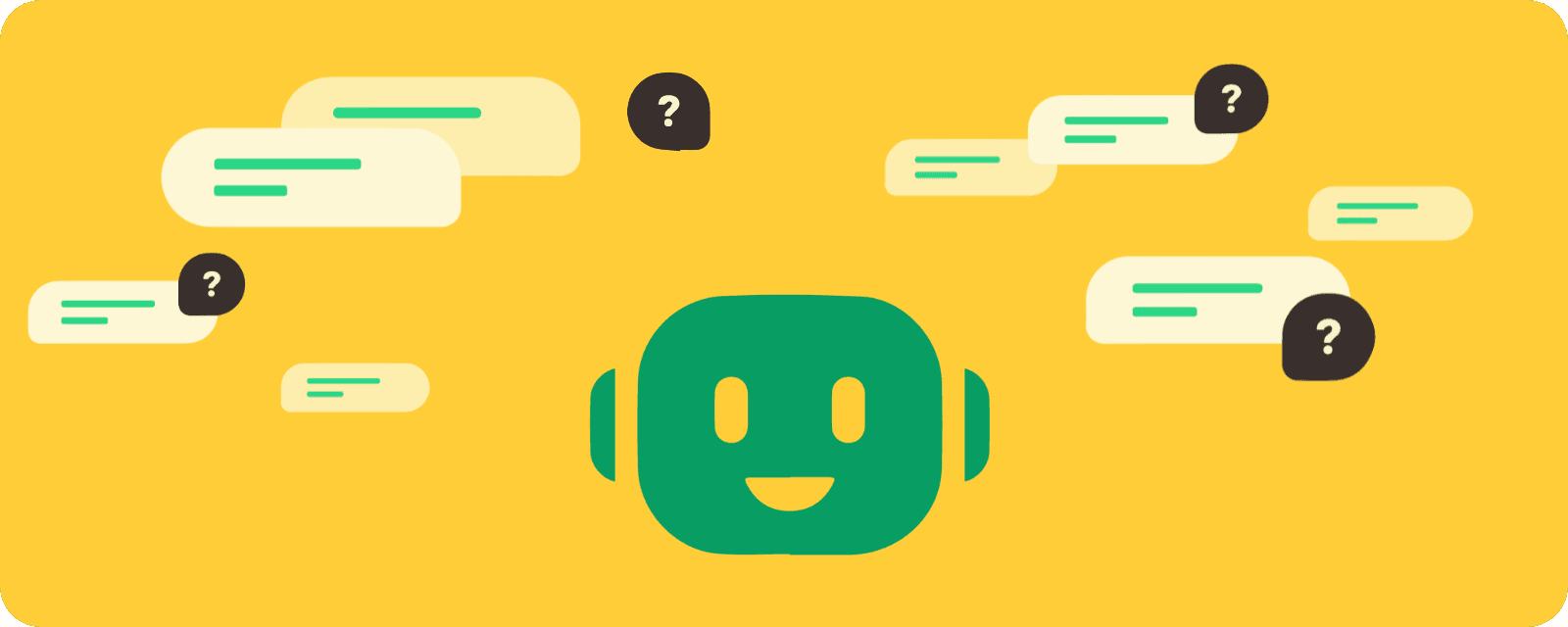
Tip 3: Draw up customer profiles
Now that we have given the chatbot a personality, we can move on to a next step: drawing up 360-degree customer profiles. The chatbot can store the customer's data in a customer profile. This means that, when the customer contacts the chatbot next time, the chatbot can look up the earlier data and use it in the conversation. This lets the chatbot judge the customer's needs better and better and help the customer even faster and better.
Tip 4: Address the customer by name
When the chatbot draws up customer profiles, the bot can also address the customer using elements from that profile. The bot can greet the customer by their first name when the conversation starts, for example. At Watermelon we use a function for this called “free fields”. These are fields the chatbot can request and stores in the customer profile. The chatbot can then use them again in a conversation.
Tip 5: Integrate the chatbot into the organisation
Now that the chatbot has been given a personality, we want the chatbot to appear everywhere in the organisation. Introduce your chatbot to customers in a newsletter, use the chatbot in your marketing campaigns, on the contact page, and on your social media channels. This will make your customers start to recognise the chatbot and regard it as part of your organisation.
Read on in our whitepaper "Benefits of chatbots".


